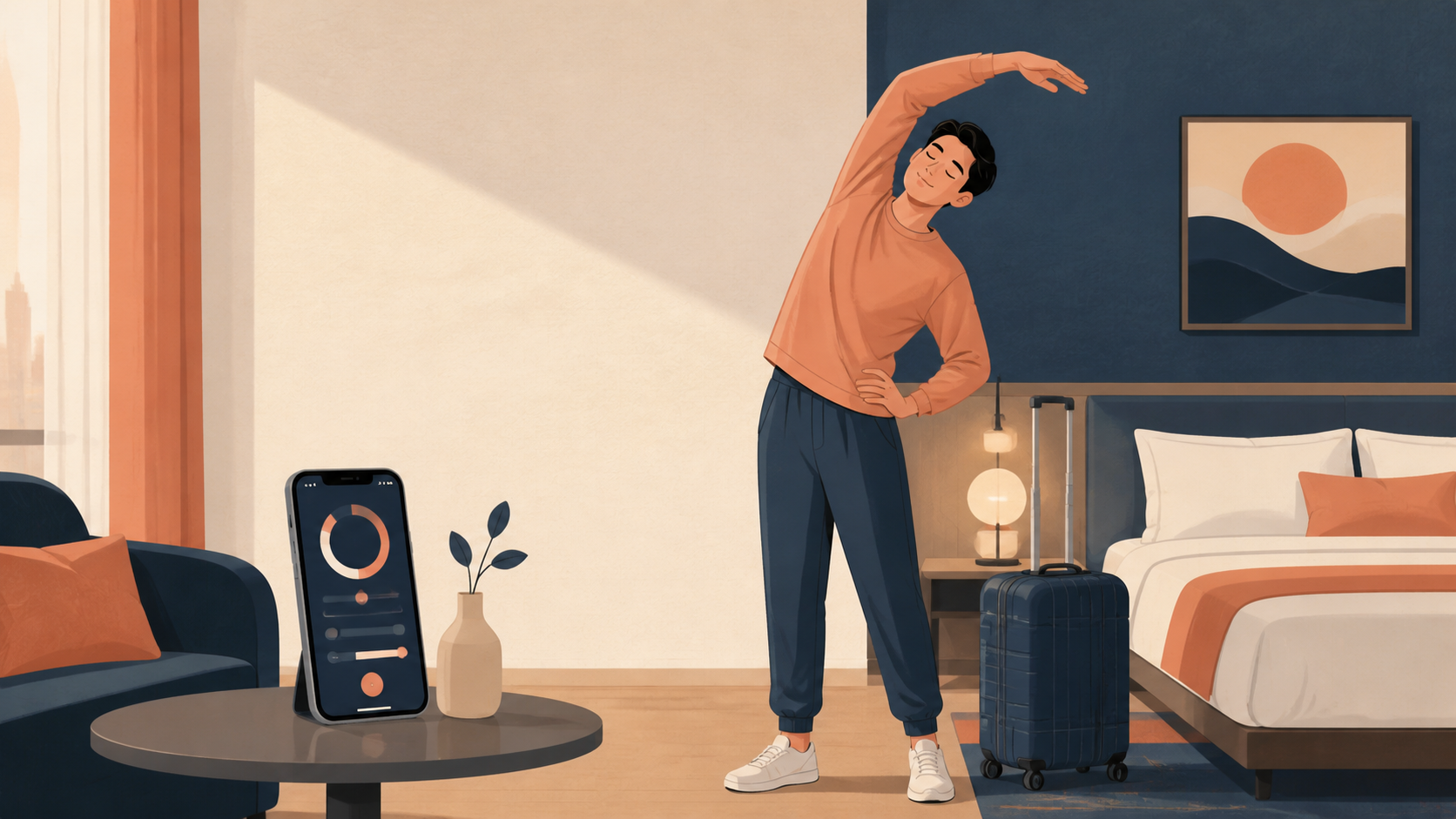
Stretching App for Travel: Flights, Hotels, and Road Trips
Choose a stretching app for travel with short offline routines for flights, hotel rooms, and road trips, plus a practical 6-minute reset.
stretching app for travel
Travel compresses your normal routine into cramped seats, unfamiliar rooms, and unreliable Wi-Fi. By the time you want to move, the last thing you need is a 30-minute class that requires a mat and a perfect setup.
Use this rule: save two routines before departure—five minutes seated and six minutes standing. The best stretching app for travel removes browsing, works in small spaces, and lets you swap any movement that feels wrong.
What is a stretching app for travel?
A stretching app for travel is a mobile tool that guides short, equipment-free movement sessions during or after trips. Useful travel modes include seated routines, standing hotel-room sessions, offline access, visible timers, movement previews, and filters for common stiff areas such as the neck, shoulders, hips, and calves.
A travel stretching app is a portable routine planner, not a medical treatment. Its value is simple: it tells you what comes next when you are tired, short on space, or disconnected from the internet.
Which routine should I use on a flight, drive, or at a hotel?
Choose the routine based on space and safety. At a seat, use subtle ankle, shoulder, and neck movements. At a safe rest stop, stand and walk before doing a short reset. In a hotel room, use controlled full-body movements that fit beside the bed without furniture as exercise equipment.
| Travel moment | Best routine | What the app should provide |
| --- | --- | --- |
| Airplane or train seat | 3–5 minutes seated | Quiet cues and small movements |
| Road-trip stop | 5 minutes standing | No floor work or equipment |
| Hotel arrival | 6–8 minutes full body | Offline playback and substitutions |
| Morning after travel | Gentle mobility | Neck, back, hip, and calf filters |
On an aircraft, follow crew instructions, remain seated when required, and never turn the aisle into a workout area. The CDC advises travelers on long trips to move their legs frequently and walk every two to three hours when possible; it also notes that most travelers have a low overall risk of travel-related blood clots.
What features matter when internet and space are limited?
Offline access, five-to-ten-minute filters, seated and standing categories, clear side-switch cues, and easy substitutions matter most. A routine that loads instantly in airplane mode is more useful than a huge video library that fails when the connection disappears.
Check these before leaving:
Download at least two complete routines and test them in airplane mode.
Confirm that timers, audio cues, and movement demonstrations still work offline.
Choose no-equipment sessions that need roughly one arm-span of space.
Save seated alternatives for days when standing is impractical.
Avoid apps that promise to prevent blood clots, cure pain, or undo hours of sitting.
Put the app on your first home screen so the routine takes one tap to start.
Start with one minute of easy marching, then use one minute each for shoulders, upper back, hips, calves, and slow breathing. Keep the range comfortable, move smoothly, and use the wall only for light balance support—not for forcing a deeper position.
0:00–1:00: March gently or walk around the room.
1:00–2:00: Roll the shoulders slowly and reach comfortably overhead.
2:00–3:00: Rotate the upper back gently while standing tall.
3:00–4:00: Shift weight side to side and use a comfortable hip movement.
4:00–5:00: Alternate easy calf raises or a light calf stretch.
5:00–6:00: Breathe slowly and finish without chasing a deeper range.
Mayo Clinic recommends smooth movement without bouncing and distinguishes normal tension from pain. Your post-travel routine should feel like an easy reset, not another endurance test.
Why do travel stretching plans fail?
Travel plans fail when they depend on perfect Wi-Fi, floor space, special equipment, or too much motivation after a tiring journey. The fix is to download one short default routine and attach it to a reliable cue, such as arriving at the hotel or stopping for fuel.
| Failure mode | Fast fix |
| --- | --- |
| Hotel Wi-Fi is unreliable | Download and test routines before departure |
| The room has little floor space | Filter for standing, no-equipment sessions |
| You are too tired to choose | Save one six-minute default |
| A movement feels awkward | Skip it or use the app's easier option |
| You forget after arrival | Start immediately after placing down your bag |
Stop and seek urgent medical help for chest pain, trouble breathing, fainting, coughing blood, or sudden weakness. One-sided leg swelling, warmth, redness, or unexplained pain also needs prompt medical assessment, especially after prolonged travel. An app cannot diagnose these symptoms.
What is the easiest way to make travel stretching automatic?
Tie the routine to events that already happen: after boarding and settling safely, use small seated movements; at a road stop, walk briefly; after placing your bag in the hotel, start the saved six-minute routine. One consistent trigger beats a complicated itinerary.
Open the Wiggle download page before your trip, save a seated routine and a standing routine, and test both offline. You will arrive with a plan instead of another decision.
Sources
Why we keep it gentle
These guides are written for everyday stiffness and habit-building. They are grounded in mainstream guidance on flexibility, movement, and when to seek medical help.
The best stretching app for travel offers short offline-friendly routines, clear timers, standing and seated options, body-area filters, and easy substitutions. It should help you start in a hotel room, at a rest stop, or after a flight without requiring equipment or much floor space.
When should I stretch during a long flight?
Change position and move periodically when it is safe and permitted, rather than waiting for one long session. Use small seated movements at your seat and walk only when the seatbelt sign is off and the aisle is safe. Follow crew instructions and do not block the aisle.
Can I download a stretching routine before traveling?
Yes, if the app supports saved or offline routines. Download one seated routine and one standing hotel-room routine before departure, then confirm that timers and demonstrations work in airplane mode. This avoids relying on airport, aircraft, or hotel Wi-Fi.
How long should a travel stretching routine be?
Five to eight minutes is enough for a practical travel reset. Choose a routine you can repeat: one or two minutes for the neck and shoulders, two or three for hips and legs, then a minute of easy walking or breathing where appropriate.
When should I avoid a travel stretching routine?
Stop and seek appropriate medical help for chest pain, trouble breathing, fainting, one-sided leg swelling or warmth, sudden weakness, severe or worsening pain, numbness, or symptoms after an injury. A general stretching app cannot assess urgent symptoms or replace medical care.