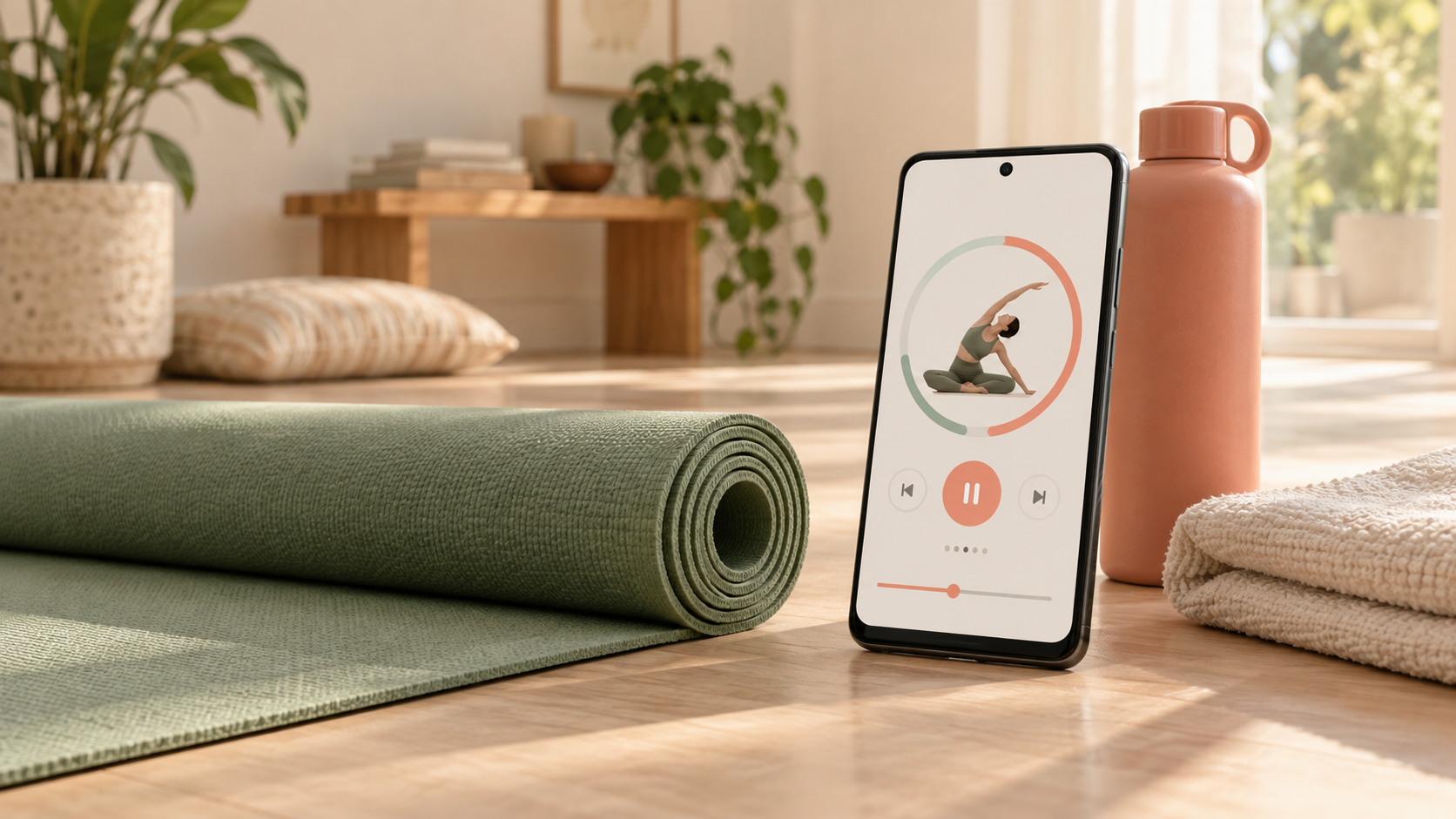
Choose a stretching app for Android using a practical checklist for timers, offline routines, notifications, privacy, subscriptions, and beginner-friendly guidance.
stretching app android
The frustrating part of choosing a stretching app on Android is not finding one. It is discovering, after setup, that the useful routine needs a subscription, the videos fail offline, or the notifications create more pressure than momentum.
Use this fast rule: choose one routine under 10 minutes and repeat it three times before paying. A good app should remove decisions, keep time, and help you finish. Everything else is secondary.
What should you look for in a stretching app for Android?
A stretching app for Android should open quickly, demonstrate each movement clearly, time holds automatically, cue side changes, and let you pause or replace an uncomfortable exercise. It should also work on your device, explain its pricing, give you control over notifications, and disclose how it handles data.
An Android stretching app is a mobile app built or distributed for Android devices that guides flexibility or mobility sessions with sequences, demonstrations, timers, and prompts. The best choice is not the app with the largest library; it is the one that reliably gets you through an appropriate routine.
What is the fastest Android app decision checklist?
Test the experience you will actually repeat. Pick one normal moment in your day, run one complete session, and inspect the controls that affect that session. Do not spend your trial browsing dozens of categories or judging an app by screenshots alone.
| Check | Pass | Warning sign |
| --- | --- | --- |
| Start speed | A useful routine begins in under 30 seconds | Several setup screens before every session |
| Guidance | Clear demonstrations, timing, and side cues | You must remember the sequence yourself |
| Control | Pause, skip, swap, and volume are easy to reach | No way to replace an unsuitable movement |
| Offline use | A downloaded routine fully works in airplane mode | Timer works but video or audio disappears |
| Notifications | Reminder types and times are adjustable | Promotional alerts cannot be separated |
| Pricing | Trial length and renewal price are obvious | Annual charge appears only at checkout |
| Privacy | Play Store Data safety details are available | Permissions seem unrelated to the routine |
Five or more passes make an app worth a three-session test. Fewer than five means the app is adding friction before it has earned a place in your routine.
How do you test timers and exercise controls?
Run a five-to-ten-minute routine and touch every control once. Pause during a hold, skip one movement, change the sound level, and swap an exercise if that option exists. This small test reveals whether the app remains usable when real life interrupts the polished demo.
Check that the countdown is visible without holding the phone and that audio cues tell you when to change sides. If timing is your main reason for downloading an app, compare the dedicated stretching app with timer guide.
Do not treat a longer hold as automatically better. Mayo Clinic recommends smooth stretching without bouncing and advises against aiming for pain. Use the app's timing as a guide, stay within a comfortable range, and stop for sharp pain, numbness, dizziness, or worsening symptoms.
When does offline mode matter?
Offline mode matters when you stretch while traveling, in a basement gym, outdoors, or anywhere mobile service is unreliable. Download one routine, switch the phone to airplane mode, and verify that demonstrations, audio cues, timers, and progress controls still function—not merely the menu screen.
An app may describe itself as downloadable while still streaming video. Test this before a trip. For more travel-specific criteria, use the stretching app for travel checklist, which covers cramped spaces and short resets as well as connectivity.
How should you set Android notifications?
Keep one reminder that matches a real opening in your day and disable promotional or streak-pressure alerts. On Android, notification controls can be managed per app, and many devices let you switch individual notification categories on or off. The exact labels can vary by phone and Android version.
A useful reminder names an action you can complete now: “five-minute desk reset” is better than a vague demand to maintain a streak. If you repeatedly dismiss the alert, change its time or remove it. The stretching app with reminders guide explains how to use prompts without turning movement into notification clutter.
What privacy and subscription details should you inspect?
Read the Google Play Data safety section and the in-app purchase details before creating an account. Look for the kinds of data collected or shared, whether deletion is available, the trial length, billing frequency, renewal price, and cancellation route. Treat these disclosures as decision inputs, not background paperwork.
Google notes that developers provide the information shown in Play's Data safety section, so also use common sense about requested permissions. A stretching timer normally should not need contacts or precise location. Some camera access may be reasonable for an optional form feature, but it should be clearly explained and avoidable if you do not use that feature.
For subscriptions billed through Google Play, use the current Google Play account controls to review or cancel them. Uninstalling an app does not necessarily cancel its subscription.
How do you know whether the app fits your routine?
Repeat one short routine three times in one week. After the third session, ask whether the app helped you start faster, reduced clock-watching, gave understandable cues, and made the next session easier to begin. That evidence matters more than ratings, feature counts, or an ambitious personalized plan.
Choose a beginner stretching app if you want simpler movement selection. Choose a daily stretching app if reminders and consistent sequencing matter more than platform-specific features.
What is the easiest next step?
Choose one five-minute need—morning stiffness, a desk break, hips, or bedtime—and test one complete routine today. Set only one useful notification, then repeat the same routine twice before exploring anything else.
Wiggle is built around short guided routines, clear timing, and low-friction repetition. Open Wiggle on your Android phone, choose the moment you want help with, and use the three-session test. Keep it only if it makes movement easier to start and finish.
Sources
Why we keep it gentle
These guides are written for everyday stiffness and habit-building. They are grounded in mainstream guidance on flexibility, movement, and when to seek medical help.
What should I look for in a stretching app for Android?
Choose an Android stretching app that starts quickly, shows movements clearly, provides timed holds and side-change cues, and lets you pause or swap an exercise. Also check device compatibility, recent updates, offline access, notification controls, and the full subscription price before starting a trial.
Can an Android stretching app work offline?
Some apps let you download routines or keep basic sessions available offline, but this varies. Test airplane mode before relying on an app for travel, a gym with weak reception, or outdoor use. Confirm that videos, timers, and audio cues all work without a connection.
How do I stop a stretching app from sending too many notifications?
Open Android Settings, choose Notifications, select the stretching app, and turn off unwanted notification categories. Keep one reminder tied to a realistic routine time instead of allowing every promotional or streak alert.
Is a free Android stretching app enough for beginners?
Yes, if the free version includes at least one complete beginner routine, clear demonstrations, a timer, pause controls, and easier options. A small routine you repeat is more valuable than a large library hidden behind upgrades.
How long should my first app-guided stretch session be?
Start with five to ten minutes. The goal is to learn the controls and finish comfortably, not test your maximum flexibility. Repeat the same short routine three times before deciding whether the app fits your day.