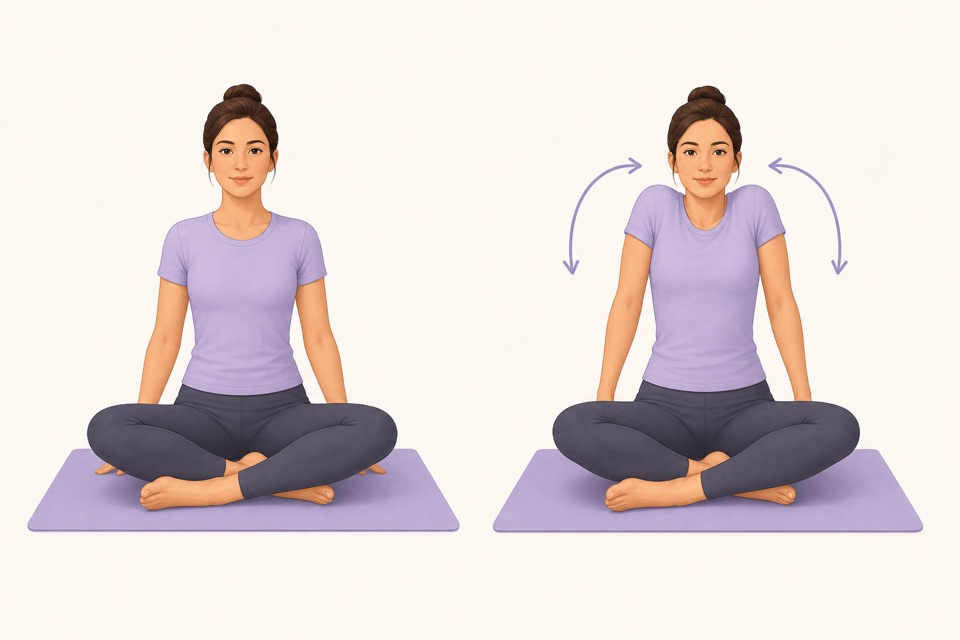
Wiggle guide
Stretching App for Home: Choose One That Starts Fast
How to choose a stretching app for home use with no-equipment routines, clear timers, gentle pacing, and less setup friction.
stretching app for home
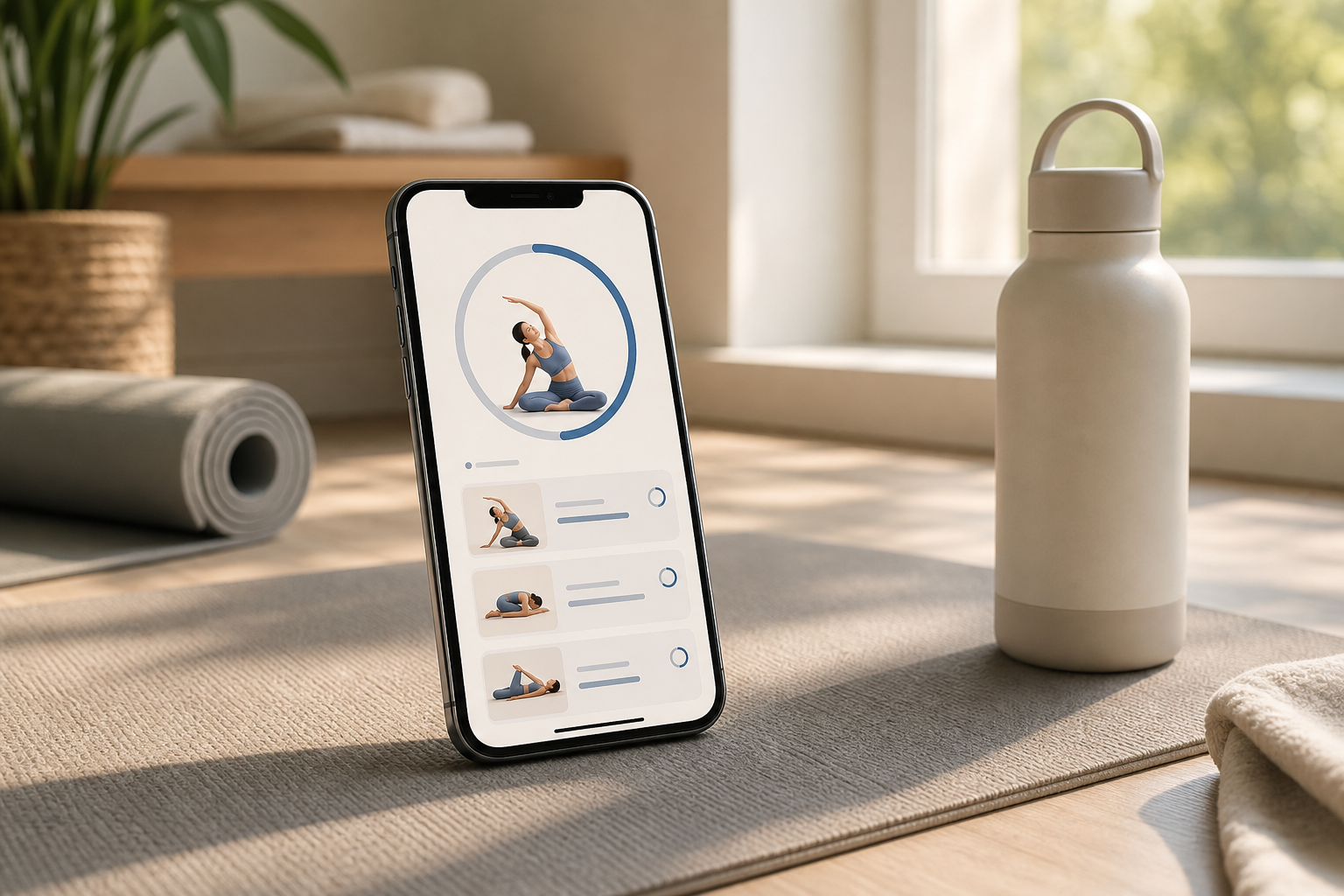
The painful part of stretching at home is not usually the stretch itself. It is the setup: choosing a routine, finding the right video, guessing how long to hold each side, then wondering whether five minutes even counts.
A good home stretching app should remove that friction. Open it, pick the moment you are in, follow the timer, and finish before the routine turns into another self-improvement project you avoid tomorrow.
What is a stretching app for home?
A stretching app for home is a guided mobile app that gives you short, timed stretch routines you can do without a gym, coach, or complicated equipment. The best version helps you choose a routine for real home moments: morning stiffness, post-work sitting, tight hips, lower-back tension, or a gentle bedtime wind-down.
The important word is guided. A long exercise library can still leave you deciding what to do next. For home use, the app should handle the sequence, timer, side switches, and finish line so you can start before motivation leaks away.
If you are still comparing broad app options, start with the best stretching app checklist. If you already know you want saved timed sessions, use the stretching routine app guide to compare repeatability.
What should you check first?
Use the home-start test: can you open the app and begin a no-equipment routine in under 30 seconds? If the first session makes you browse categories, build a plan, or watch long setup instructions, the app is adding effort at the exact wrong moment.
| Home use case | What the app should offer | Fast decision rule | | --- | --- | --- | | Morning stiffness | Gentle wake-up routine | Starts under 8 minutes | | Work-from-home sitting | Desk, hip, and back resets | No mat required | | Bedtime wind-down | Calm holds and breathing cues | Nothing intense or sweaty | | Tight hips | Simple body-area category | Clear left/right switches | | General stiffness | Full-body reset | Covers neck, shoulders, back, hips, and legs | | Low motivation | One-tap repeat | Same routine is easy tomorrow |
This is the shortcut: choose the app that reduces effort first. You can always add longer routines later, but you cannot build consistency if the first tap feels like homework.
Do you need equipment?
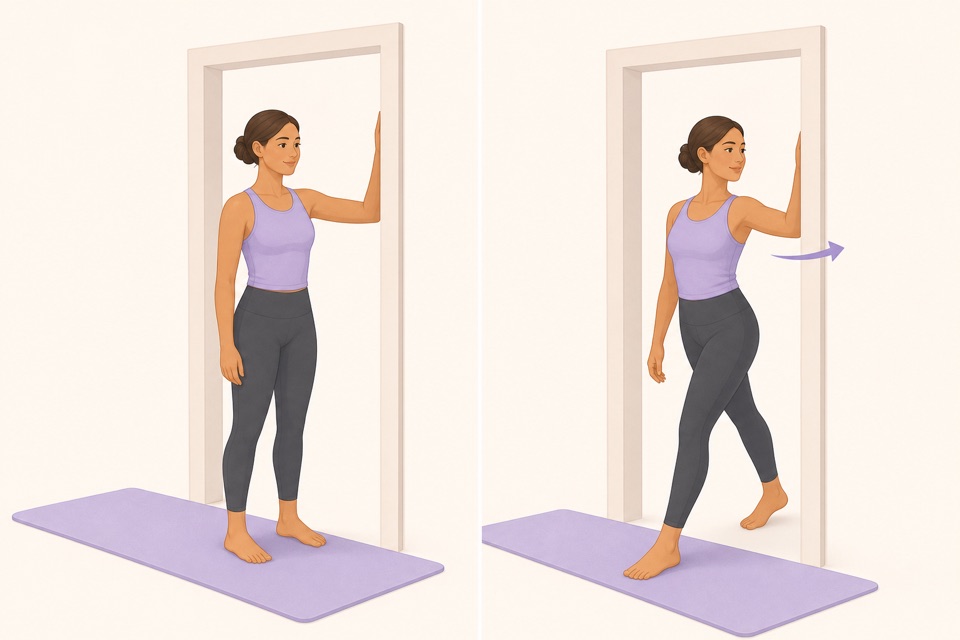
You do not need equipment for a useful home stretching routine. A beginner-friendly app should work with a chair, wall, doorway, floor space, or mat. Props can be helpful, but they should not be required for the first week.
Look for routines that make normal home space enough:
- Chair-supported stretches for balance.
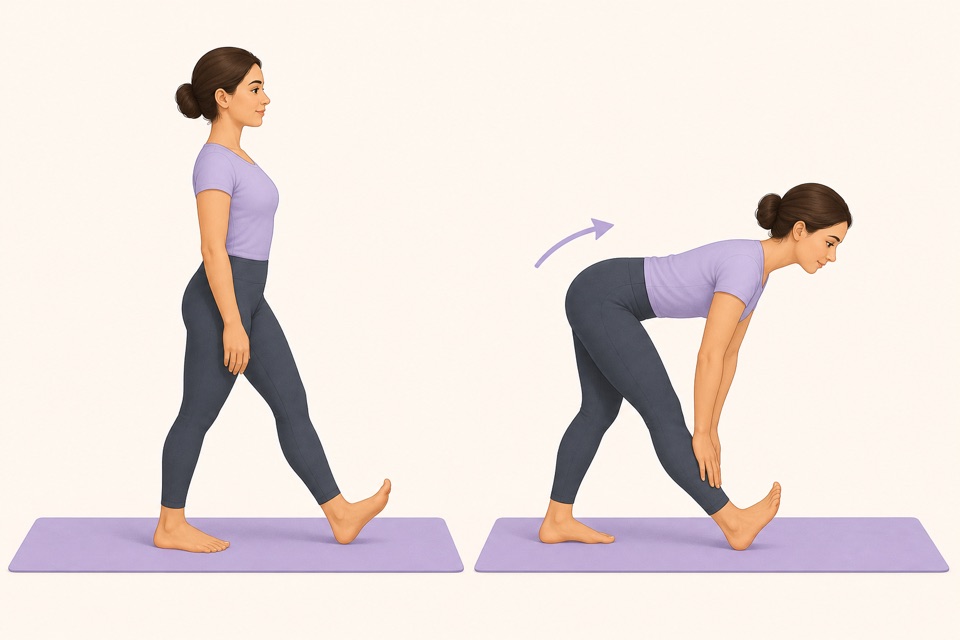
- Standing options for tight hips, calves, shoulders, and chest.
- Bedtime routines that stay gentle.
- Floor options only when you actually want to use a mat.
- Clear alternatives when a position feels awkward.
Mayo Clinic's flexibility guidance keeps the emphasis on controlled, comfortable stretching rather than forcing range. That matters at home because there is no coach watching your form. The app should make mild tension feel acceptable, not make intensity look like the point.
From Wiggle
Recommended moves
Is an app better than a video at home?
A video is useful when you want to learn one routine once. A stretching app is usually better when the home goal is repeatability because it gives you a timer, saved sessions, reminders, pause controls, and a faster way to choose the right routine for the moment.
Use this comparison before you commit:
| Option | Best for | Where it breaks | | --- | --- | --- | | YouTube video | Trying one guided flow | You still manage repeats and timing | | Notes checklist | Remembering a simple sequence | No timer or movement cues | | Home stretching app | Repeating short routines | Only works if it starts fast | | Personal trainer or clinician | Individual guidance | More cost, scheduling, and setup |
The app wins when the blocker is consistency. If you have new, severe, persistent, radiating, injury-related, or medical-condition-related pain, get qualified guidance instead of trying to solve it with a generic app routine.
What is the easiest first routine?
The easiest first home routine is a 5- to 8-minute full-body reset: neck, shoulders, chest, upper back, hips, hamstrings, and calves. Keep each movement mild and stop while the routine still feels easy enough to repeat tomorrow.
Try this first week:
- Day 1: Save one no-equipment routine under 10 minutes.
- Day 2: Repeat the exact same session.
- Day 3: Use the pause button if a transition feels rushed.
- Day 4: Keep the same difficulty, not a harder version.
- Day 5: Add a reminder only if it helps you start.
- Day 6: Try one body-area routine if a specific area feels stiff.
- Day 7: Keep the routine you repeated most easily.
For a move-by-move sequence outside app selection, use the full body stretching routine. If your home routine is mostly about the evening, the stretching app for sleep guide gives a calmer checklist.
How does Wiggle fit home stretching?
Wiggle works as a home stretching app when you want short guided routines, friendly visuals, visible timers, gentle reminders, and categories for normal stiffness patterns. It is built for people who need stretching to become easier to start, not more complicated.
The specific next step is small: open Wiggle at home, choose one short routine for the moment you are in, and repeat that same routine tomorrow. If you have been sitting, pick a desk or hip reset. If it is late, choose a wind-down. If everything feels stiff, use a full-body option and keep the range comfortable.
Wiggle offers a 7-day free trial through the App Store, then paid access shown before confirmation. Use the trial to test the only question that matters: does this app make stretching easy enough that you actually come back?
Sources
Why we keep it gentle
These guides are written for everyday stiffness and habit-building. They are grounded in mainstream guidance on flexibility, movement, and when to seek medical help.
- Stretching: Focus on flexibilityMayo Clinic
- Physical Activity Guidelines for AmericansU.S. Department of Health and Human Services
- Four Types of Exercise Can Improve Your Health and Physical AbilityNational Institute on Aging
FAQ
Questions people ask
What is the best stretching app for home use?
The best stretching app for home use is one that starts quickly, offers short no-equipment routines, shows each movement clearly, keeps a visible timer, and makes repeating the same session easy. A small guided routine usually beats a huge exercise library when you are trying to build a habit.
Do I need equipment for a home stretching app?
No. A good home stretching app should work with a mat, chair, wall, doorway, or the floor space you already have. Equipment can be useful later, but the first routine should not depend on straps, blocks, machines, or a gym setup.
How long should a home stretching routine be?
Start with 5 to 10 minutes. Short home routines are easier to repeat before work, after sitting, after travel, or before bed. Add longer sessions only after the short version feels automatic.
Is a stretching app better than YouTube at home?
A video is fine for learning one routine. A stretching app is usually better for repeat home use because it handles the timer, side switches, saved routines, reminders, and faster routine selection.
Can Wiggle work as a home stretching app?
Yes. Wiggle is built for short guided stretching sessions at home, at a desk, or before bed. It works best when you want gentle timers, beginner-friendly visuals, and a routine that is easy to repeat without planning.
Planning to use your routine away from home too? The stretching app for travel guide explains what to save for flights, hotel rooms, and road trips.