Wiggle guide
Stretching Routine App: How to Choose One You Will Actually Use
A practical checklist for choosing a stretching routine app that starts fast, stays gentle, and helps you repeat short routines.
stretching routine app
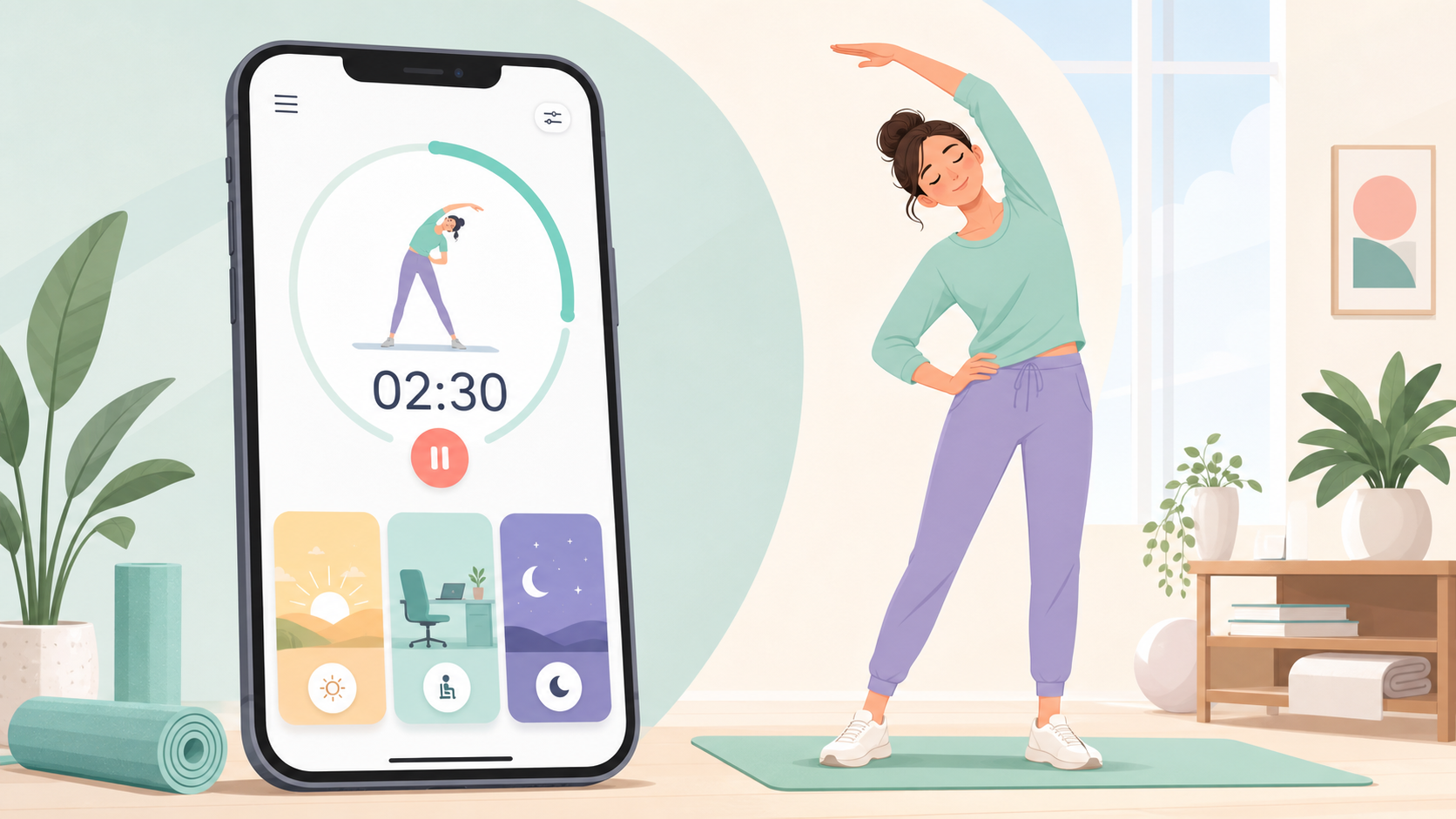
A stretching routine app should solve the real problem: you feel stiff, you know stretching would help, but you do not want to choose exercises, count seconds, or decide whether today is a back day, hip day, or full-body day.
The best version starts quickly, keeps the session gentle, and helps you repeat a small routine before motivation disappears. Use this guide to choose an app that removes friction instead of becoming another wellness task.
What is a stretching routine app?
A stretching routine app is a guided mobile tool that organizes stretches into timed sessions for specific moments, body areas, or goals. Instead of asking you to remember each hold, it gives you the sequence, timer, transitions, and routine categories in one place.
That matters because most people do not fail at stretching from lack of information. They fail because the next step is unclear. A good app turns "I should stretch" into "start this five-minute routine now."
How do you choose the right stretching routine app?
Choose the app that gets you into a safe, short session with the fewest decisions. Look for beginner routines under 10 minutes, clear exercise visuals, a visible timer, adjustable reminders, saved progress, and categories that match your actual day.
| Need | What the app should show | Why it matters | | --- | --- | --- | | You wake up stiff | A gentle morning routine | You start before the day gets noisy | | You sit for hours | Desk, shoulder, hip, and back resets | The routine matches the stiffness pattern | | You forget to stretch | Calm reminders with quiet days | The cue helps without becoming annoying | | You are a beginner | Simple instructions and stop signs | You avoid treating intensity as progress | | You want consistency | Saved routines and a repeat button | You build a habit before adding complexity |
If you are still comparing broad options, start with the best stretching app checklist, then come back to this routine-specific test.
If your routine app needs to live on your phone first, the stretching app for iPhone guide shows how to test timers, reminders, trial terms, and the first-start flow before paying.
If the routine will happen mostly at home, compare the same app against the stretching app for home checklist: no-equipment starts, enough floor or chair options, and a first session that does not require setup.
What should the first routine include?
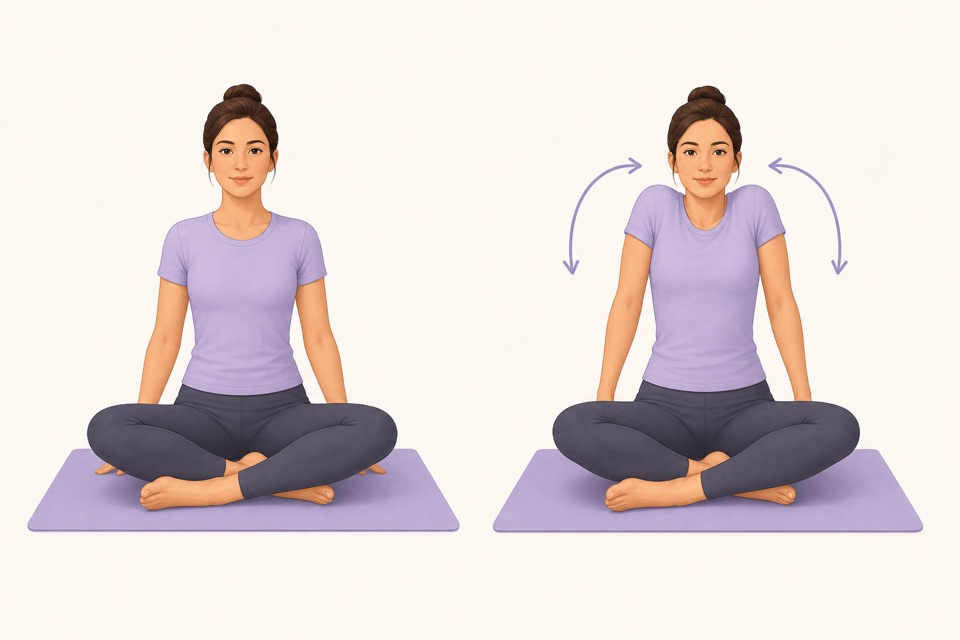
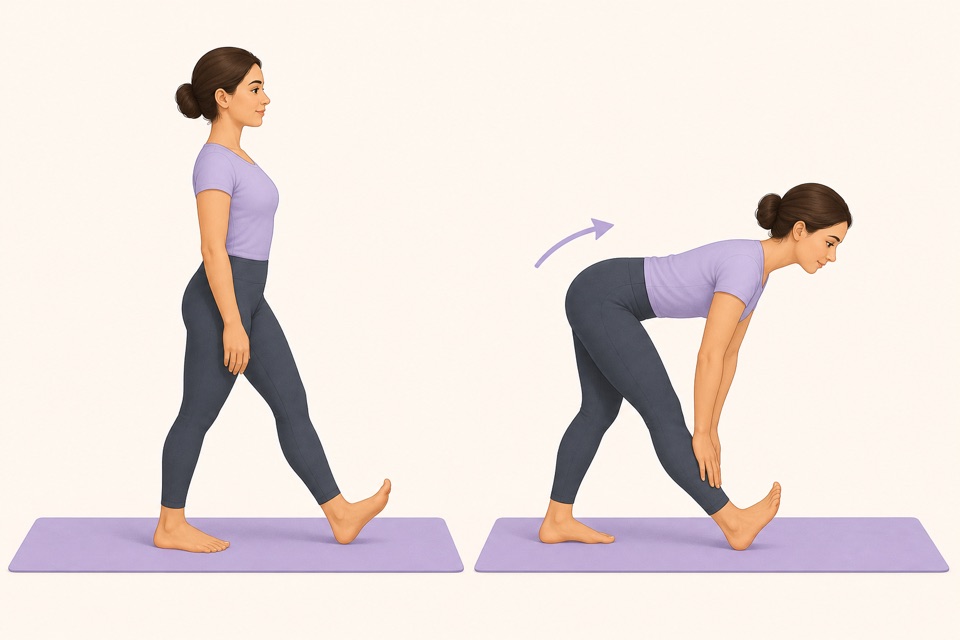
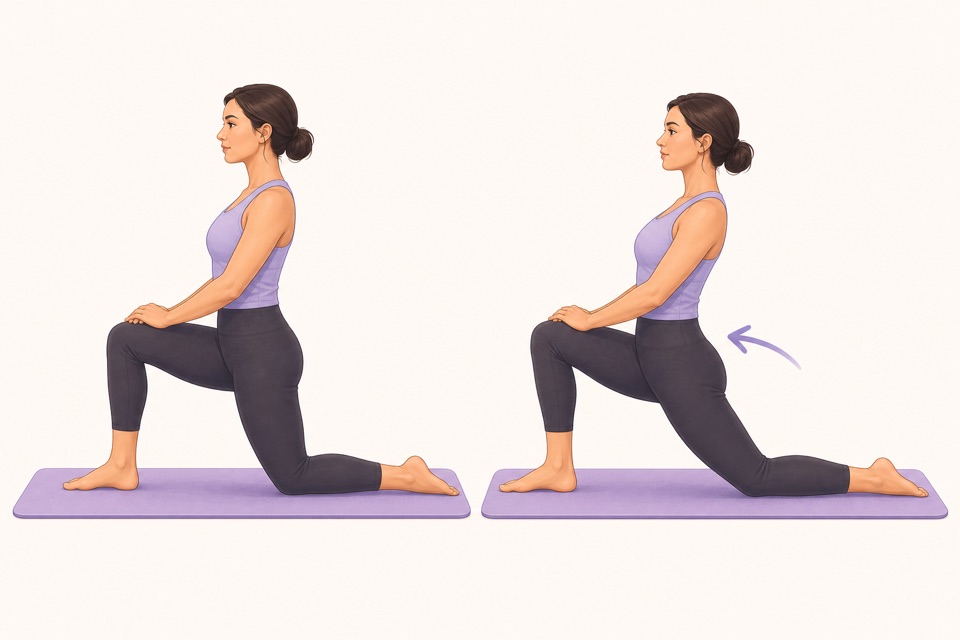
Your first app-based routine should cover the areas that get stiff most often: neck, shoulders, chest, back, hips, hamstrings, and calves. Keep it light enough that you could repeat it tomorrow without soreness or dread.
Try this decision rule: choose one routine for the moment you are in, not the body you wish you had. If you just closed your laptop, pick a desk reset. If you woke up stiff, pick morning mobility. If you are winding down, pick bedtime.
From Wiggle
Recommended moves
Why is a timer more important than a huge exercise library?
A timer makes the routine finishable. It tells you how long to hold, when to switch sides, and when the session is done. A huge library looks impressive, but it can slow beginners down when they only need one clear next routine.
This is why a stretching app with a timer often beats a random list of exercises. The timer removes the tiny negotiations that make people quit halfway: "Was that long enough?" "What comes next?" "Should I do one more?"
Which app features reduce effort fastest?
The fastest effort reducers are preset routines, visible countdowns, body-area filters, reminder controls, and one-tap repeat. These features turn stretching into a small default action instead of a planning session.
Use this five-point checklist before you commit:
- Can you start a beginner routine in under 30 seconds?
- Does the app offer 3-, 5-, or 10-minute sessions?
- Are the instructions clear without reading long paragraphs?
- Can you pause, skip, or lower intensity without guilt?
- Does the app make tomorrow's repeat easier than today's start?
For a complete sequence you can run immediately, the full body stretching routine guide is a good first test.
How does Wiggle fit this use case?
Wiggle is built for short guided stretch routines that match normal life: desk stiffness, tight hips, lower-back tension, morning wake-ups, and bedtime wind-downs. The point is not to become extreme. The point is to start, finish, and come back tomorrow.
Use Wiggle when you want the app to choose the sequence, run the timer, and make the next stretch obvious. That is the whole job-to-be-done: less deciding, more gentle movement.
Sources
Why we keep it gentle
These guides are written for everyday stiffness and habit-building. They are grounded in mainstream guidance on flexibility, movement, and when to seek medical help.
- Stretching: Focus on flexibilityMayo Clinic
- Physical Activity Guidelines for AmericansU.S. Department of Health and Human Services
- Four Types of Exercise Can Improve Your Health and Physical AbilityNational Institute on Aging
FAQ
Questions people ask
What should a stretching routine app do first?
A stretching routine app should help you start the right session quickly. The first screen should make timing, body focus, and difficulty obvious so you can begin a 3- to 10-minute routine without building one from scratch.
Is a stretching routine app better than a saved video?
A saved video can work for one routine. A stretching routine app is better when you want a timer, beginner pacing, multiple use cases, saved progress, reminders, and a faster way to choose between morning, desk, hip, back, and bedtime sessions.
How long should an app-based stretching routine be?
For everyday stiffness, start with 3 to 10 minutes. Short routines are easier to repeat, and consistency matters more than forcing a long session that you avoid tomorrow.
What routines should beginners look for?
Beginners should look for full-body, desk, lower-back, tight-hip, morning, and bedtime routines with clear stop signs. The app should make every movement feel optional and adjustable, not intense.
Can Wiggle help me build a daily routine?
Yes. Wiggle is designed around short guided stretching sessions, simple timers, reminders, and routines for real moments like waking up stiff, sitting all day, or winding down before bed.