Wiggle guide
Stretching App for Seniors: What to Look For Before You Start
A practical guide to choosing a stretching app for seniors, with chair-friendly criteria, safety stop signs, and a simple first-week plan.
stretching app for seniors
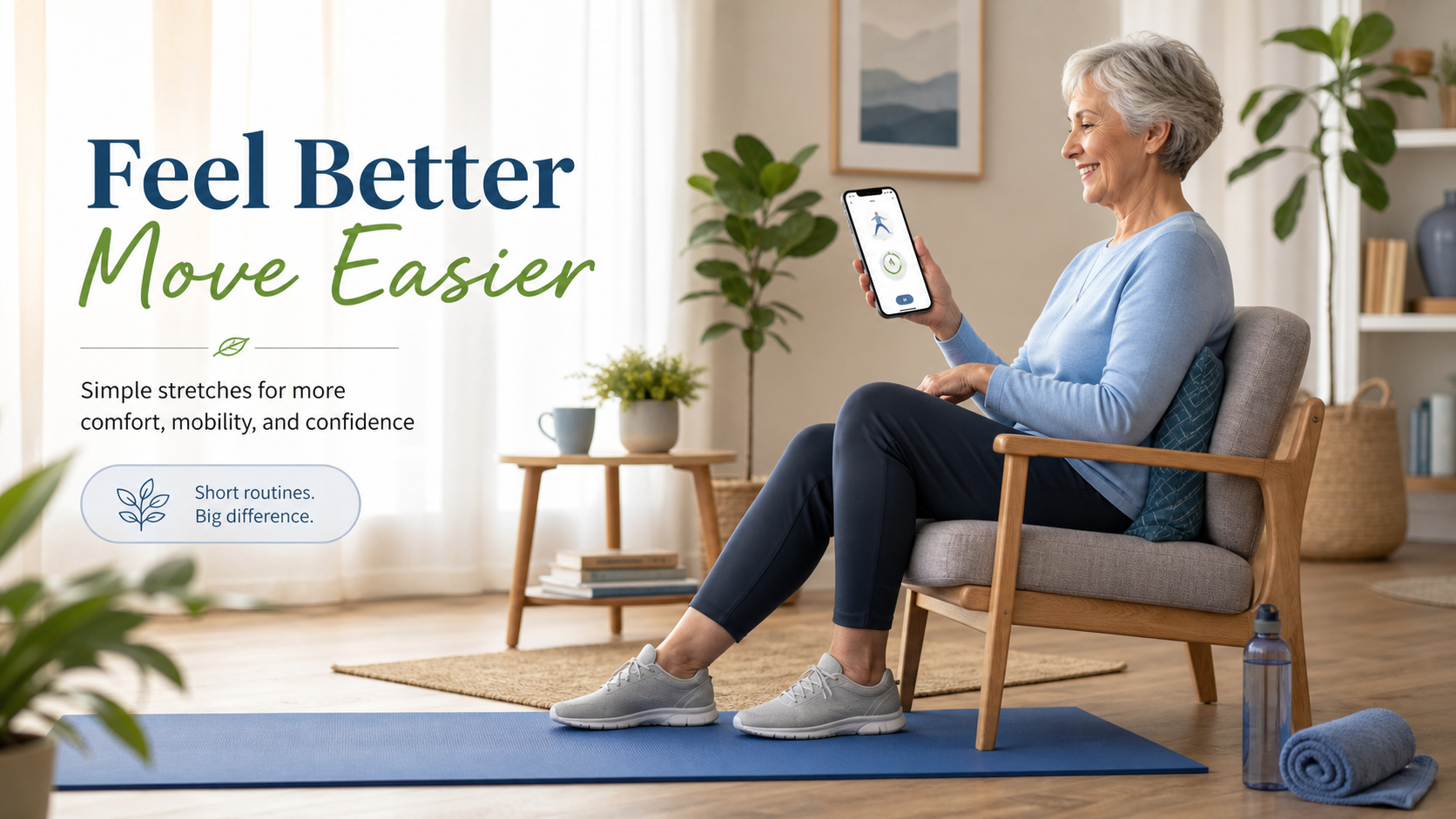
The frustrating part is not finding stretches. The internet has endless videos, routines, and fitness apps. The hard part for many older adults is knowing which option is gentle enough, clear enough, and simple enough to repeat without feeling rushed or unsafe.
A stretching app for seniors should remove decisions, not add pressure. It should make the next five to ten minutes obvious: where to sit, what to move, how long to hold, when to switch sides, and when to stop.
What is a stretching app for seniors?
A stretching app for seniors is a guided flexibility app built around short, low-pressure routines for older adults, beginners, or anyone who wants supported movement. The best version includes chair-friendly options, visible timers, calm pacing, easy pauses, and plain stop signs for pain, dizziness, numbness, or instability.
It should feel closer to a gentle habit helper than a workout challenge. If the app pushes deep poses, fast transitions, or floor-only routines before you feel ready, it is solving the wrong problem.
What should the best stretching app for seniors include?
The best stretching app for seniors should make the first session feel safe to start and easy to repeat. Look for app features that reduce balance demands, reduce memory load, and reduce the number of choices before the routine begins.
Use this decision table before downloading or subscribing:
| Feature | Why it matters for seniors | Green flag | | --- | --- | --- | | Chair-friendly routines | Getting down to the floor is not realistic for everyone | Seated neck, shoulder, spine, hip, and hamstring options | | Visible timer | Removes guessing and rushing | Clear countdowns with side-switch prompts | | Gentle categories | Helps match the routine to the day | Morning, chair, hips, back, bedtime, full-body | | Easy pause | Gives control during transitions | Pause button is obvious and always available | | Safety language | Prevents pushing through warning signs | App says to stop for pain, dizziness, numbness, weakness, or instability | | Repeatable sessions | Builds habit without constant browsing | Favorite or repeat the same short routine |
If you are helping a parent choose an app, do not judge it by how many exercises it contains. Judge it by whether they can start a gentle session without needing you to explain the interface.
Should seniors start with chair stretches or standing stretches?
Seniors should usually start with chair stretches if balance, confidence, fatigue, or floor transitions are concerns. Standing stretches can be useful, but a chair-first routine lowers the cost of starting and makes it easier to stop before the session becomes stressful.
Try this rule for the first week: start seated, add only one supported standing stretch, and skip floor stretches unless getting down and up feels easy.
For a routine-first version, use the stretching exercises for seniors guide. If the user is active and simply wants a broader app checklist, compare this with stretching app for beginners over 50.
What is a good first app-led routine for older adults?
A good first app-led routine for older adults is short, familiar, and supported. Five to ten minutes is enough. The goal is not to prove flexibility. The goal is to finish feeling steady enough that repeating the routine tomorrow sounds reasonable.
Start with this sequence:
- Sit tall and breathe slowly for 30 seconds.
- Turn the head gently side to side for 45 seconds.
- Roll the shoulders slowly for 45 seconds.
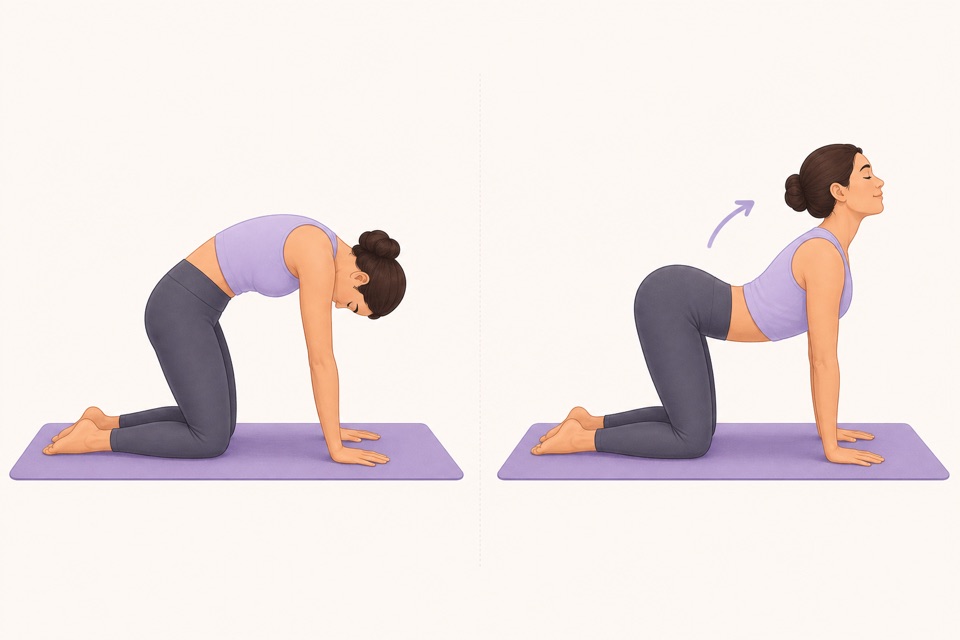
- Move through seated cat-cow for 60 seconds.
- Extend one leg for a seated hamstring stretch, then switch sides.
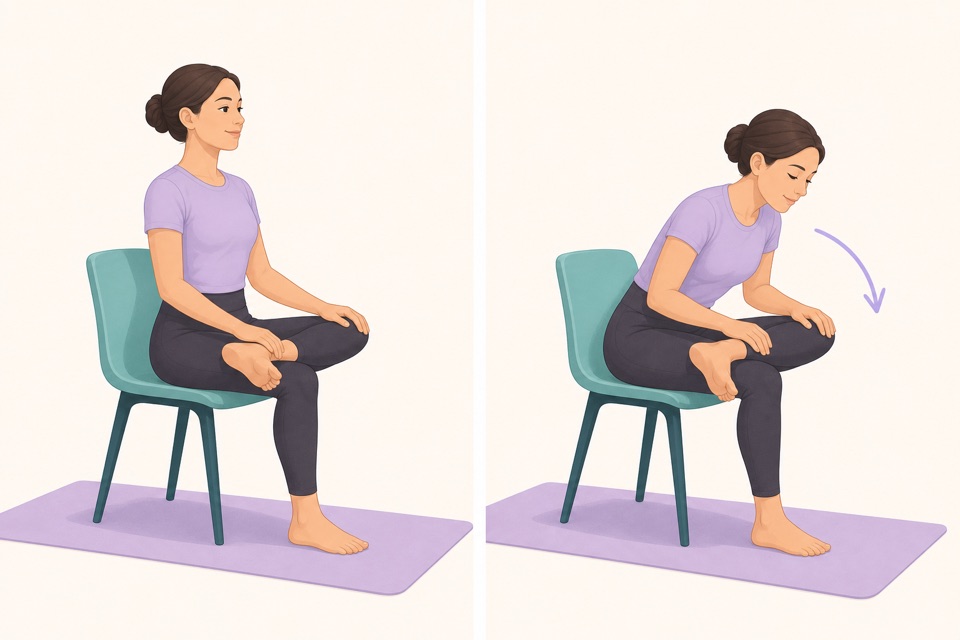
- Try a seated figure-four only if the hip position feels comfortable.
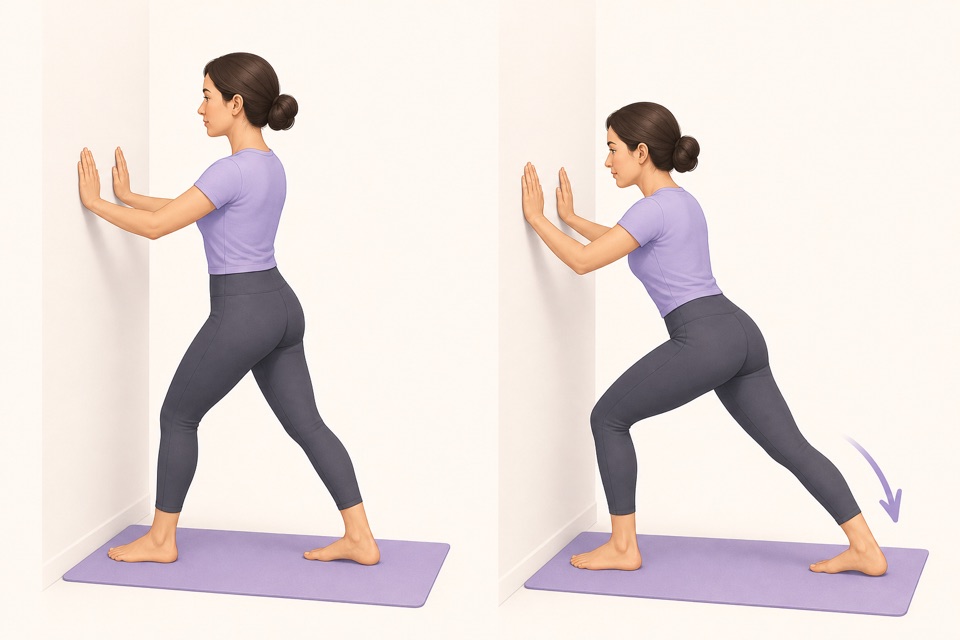
- Stand beside a wall or counter for a calf stretch.
- End with an easy walk around the room or gentle marching beside support.
That is enough. A useful stretching app should let this routine stay small instead of constantly nudging the user toward harder sessions.
From Wiggle
Recommended moves
When should an older adult skip the app and ask for help?
An older adult should skip app-only stretching when symptoms are new, severe, persistent, injury-related, or linked with numbness, weakness, dizziness, chest symptoms, shortness of breath, swelling, radiating pain, or feeling unsafe. In those cases, ask a qualified professional what movement is appropriate.
This is not a scare tactic. It is a better decision rule. Apps are useful for everyday stiffness and habit-building. They are not a replacement for diagnosis, rehab, fall-risk planning, or personalized medical advice.
Before each session, check:
- The chair is stable and has no wheels.
- The floor is clear.
- The routine is short enough to finish comfortably.
- The app can be paused quickly.
- The stretch feels like mild tension, not pain.
- The user can breathe normally and exit the position smoothly.
The CDC, National Institute on Aging, and MedlinePlus all emphasize regular movement for older adults, including activity that fits the person's health and ability. The practical takeaway is simple: choose movement you can repeat safely, then build from there.
How can Wiggle make senior stretching easier to repeat?
Wiggle helps when the blocker is friction. The app gives you short guided routines, a visible timer, exercise visuals, and categories for gentle stretching moments. For seniors, the useful part is that the session does not have to be invented from scratch every day.
Use Wiggle this way:
- Pick a chair-friendly or beginner routine first.
- Keep the first week at 5 to 10 minutes.
- Repeat the same routine until it feels familiar.
- Add standing or longer routines only after the habit feels steady.
- Use the download page when you want the app instead of another saved article.
If you are comparing app options more broadly, the best stretching app guide explains the habit-building features to check. If stiffness is mostly morning-related, start with wake up stretches.
Sources
Why we keep it gentle
These guides are written for everyday stiffness and habit-building. They are grounded in mainstream guidance on flexibility, movement, and when to seek medical help.
- Older Adult Activity: An OverviewCDC
- Exercise and physical activityNational Institute on Aging
- Exercise for Older AdultsMedlinePlus
- Stretching: Focus on flexibilityMayo Clinic
FAQ
Questions people ask
What is the best stretching app for seniors?
The best stretching app for seniors is one that keeps routines short, chair-friendly, easy to pause, and clear enough to follow without rushing. Look for a visible timer, simple exercise visuals, gentle pacing, and safety language that tells users to stop when something feels painful, dizzy, unstable, or concerning.
Is a stretching app safe for older adults?
A stretching app can be safe for mild everyday stiffness when the routines are gentle and the user can move comfortably. It should not replace professional guidance after a fall, surgery, new pain, balance problems, nerve symptoms, or a medical condition that changes what movement is appropriate.
Should seniors use chair stretches in an app?
Chair stretches are often the best app starting point for seniors because they lower balance demands and make the session easier to begin. A good app should offer seated options before asking someone to get on the floor or hold deep positions.
How long should an app-led senior stretching routine be?
Start with 5 to 10 minutes. That is enough time for neck, shoulder, spine, hip, hamstring, and calf work without making the first session feel like a workout. Consistency matters more than a long routine.
How does Wiggle work as a stretching app for seniors?
Wiggle helps by turning gentle stretches into short guided sessions with a visible timer, exercise visuals, and repeatable routines. It is best for general wellness movement and everyday stiffness, not for diagnosis, rehab, or personalized medical care.