Wiggle guide
Wrist Stretches at Desk: A 5-Minute Typing Reset
Wrist stretches at desk for typing, mouse, and trackpad stiffness, with a gentle 5-minute routine and clear stop signs.
wrist stretches
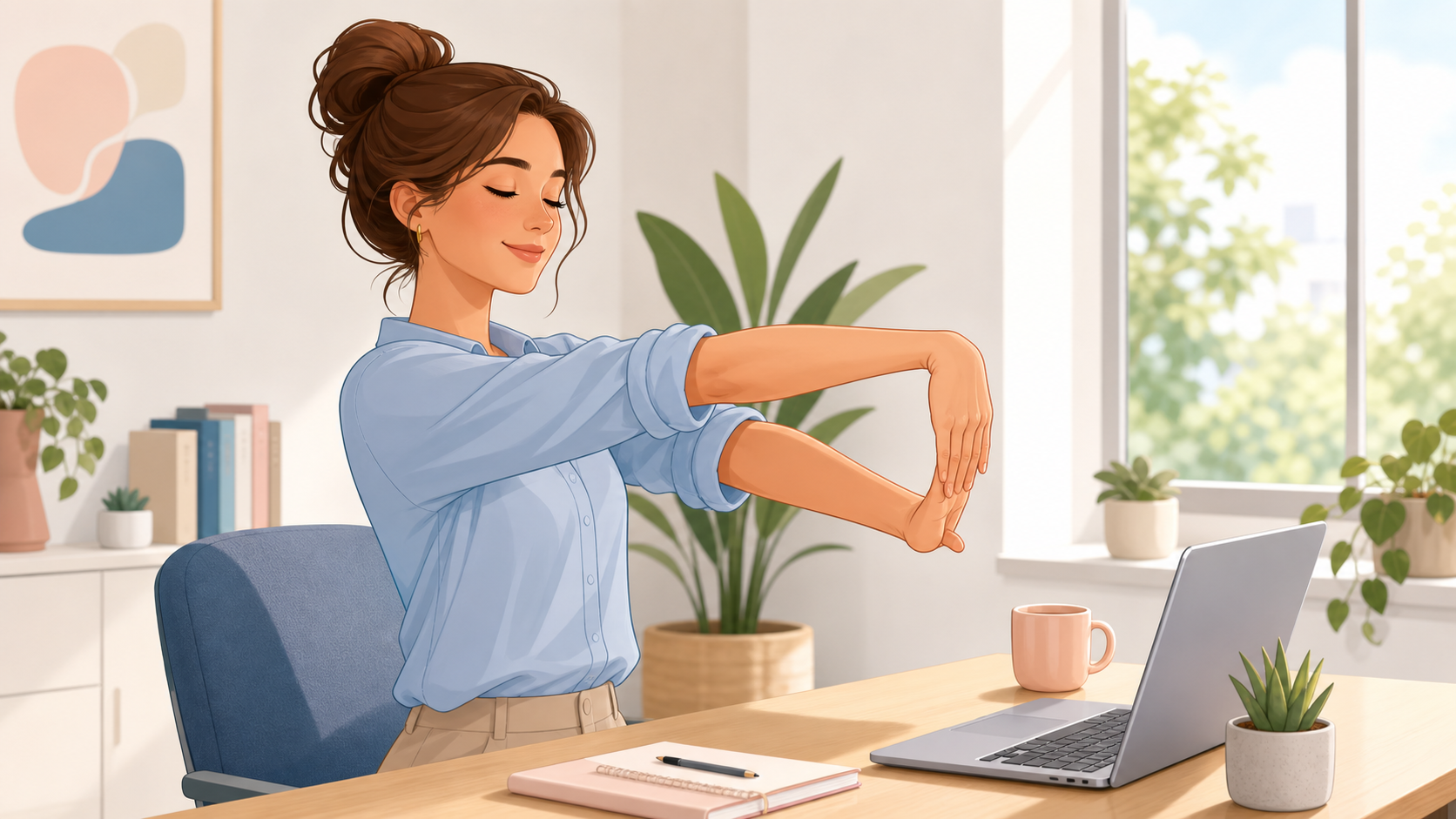
The annoying thing about wrist stiffness at work is how quickly it sneaks in. You finish one document, answer a few messages, move through a spreadsheet, and suddenly the mouse feels heavier than it should.
The better outcome is a wrist reset that takes less time than making coffee. You do not need a mat, equipment, or a complicated mobility plan. You need a gentle sequence that moves the wrist both ways, relaxes the fingers, and fixes the next typing block before the same tension rebuilds.
What are wrist stretches at desk?
Wrist stretches at desk are short hand, wrist, and forearm movements you can do beside a keyboard to interrupt typing, mouse, trackpad, and scrolling stiffness. They are best for mild everyday tightness, not for diagnosing or treating wrist, tendon, nerve, or repetitive strain problems.
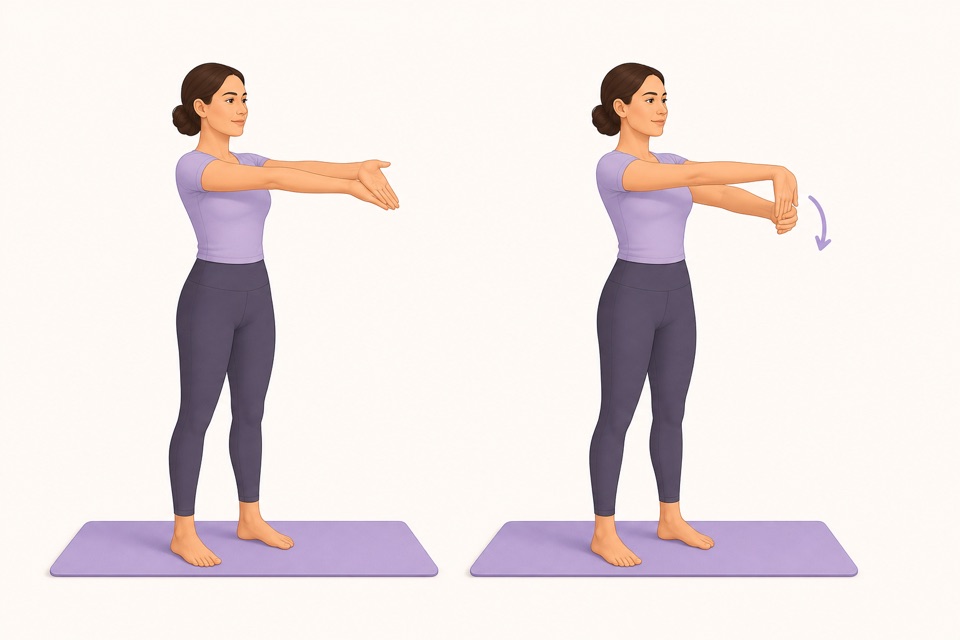
Fast decision rule: if the palm-side wrist feels tight, start with the palm-up flexor stretch. If the top of the wrist or forearm feels tight, use the palm-down extensor stretch. If symptoms feel sharp, numb, weak, swollen, tingly, or worrying, skip stretching and get qualified guidance.
What 5-minute wrist stretch routine should I use at work?
A good desk wrist routine starts with easy movement, then stretches the wrist positions repeated during keyboard, mouse, and trackpad work. Keep the pull mild, breathe normally, and avoid pushing the wrist into an extreme angle.
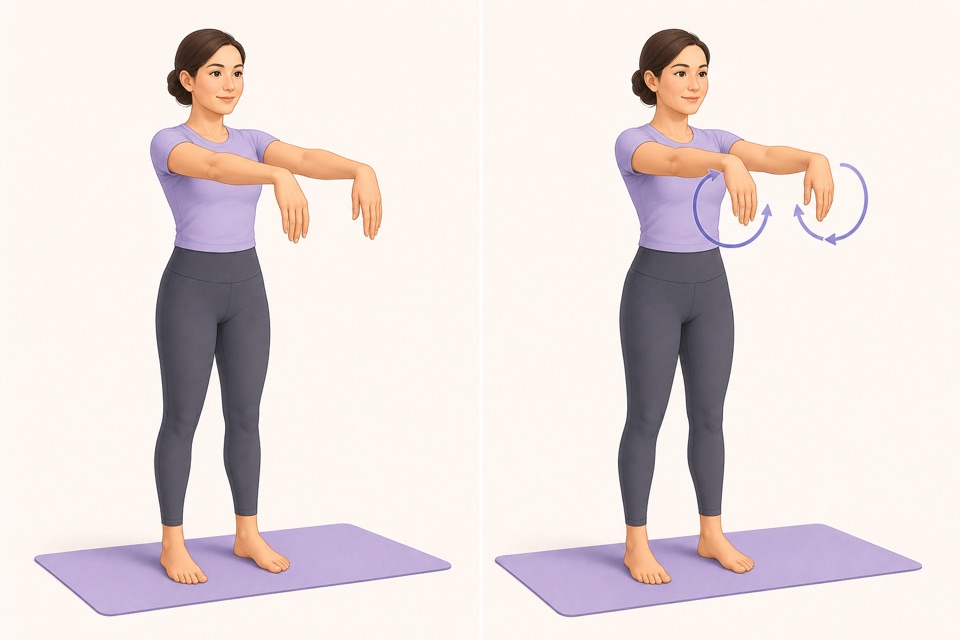
| Step | Time | What to do | Best for | | --- | ---: | --- | --- | | Hand shakeout | 20 sec | Let both hands relax and shake gently | Breaking the typing grip | | Wrist circles | 40 sec | Circle both wrists slowly each direction | Easy first movement | | Finger opens | 30 sec | Open fingers wide, then relax | Keyboard and trackpad stiffness | | Palm-up wrist flexor stretch | 30 sec each side | Arm forward, palm up, gently guide fingers down and back | Palm-side wrist tightness | | Palm-down wrist extensor stretch | 30 sec each side | Arm forward, palm down, gently guide fingers toward you | Top-side wrist or forearm tightness | | Thumb circles | 20 sec each side | Make slow circles with each thumb | Phone and trackpad fatigue | | Desk reset | 40 sec | Move mouse close, drop shoulders, and keep wrists straighter | Keeping the reset from disappearing |
Wrist stretching is not supposed to be intense. If your hand clenches, your shoulder lifts, or you hold your breath, make the movement smaller.
Why do wrists get tight after typing and mouse work?
Wrists get tight after typing because small wrist and finger muscles repeat low-level work for long blocks. A far-away mouse, bent wrists, laptop-only posture, raised shoulders, and no movement breaks can make the wrists keep bracing even when the task feels mentally easy.
Mayo Clinic and OSHA both point toward a practical workstation idea: keep the keyboard and mouse positioned so your wrists stay straight, shoulders relax, and tools are close enough that you are not reaching. Stretching helps more when the next minute of work does not recreate the same pattern.
Use this quick setup check after the stretch:
- Keep the mouse close to the keyboard.
- Keep wrists straight instead of bent up, down, or sideways.
- Let elbows sit near your sides instead of reaching forward.
- Drop the shoulders before the next typing block.
- Use keyboard shortcuts when mouse work is the repetitive part.
- Take the next break before the wrists feel fully tired.
Should I choose wrist circles, flexor stretch, or extensor stretch first?
Choose the gentlest movement that matches the sensation. Wrist circles are the easiest first move when the whole joint feels stiff. A flexor stretch fits palm-side tightness. An extensor stretch fits top-side wrist and forearm tightness from mouse, keyboard, and trackpad work.
| If you notice | Start with | Why | | --- | --- | --- | | General wrist stiffness | Wrist circles | Movement first is easier than a held stretch | | Palm-side tightness | Palm-up wrist flexor stretch | It targets the wrist and finger flexor side | | Top-side wrist tightness | Palm-down wrist extensor stretch | It targets the wrist and finger extensor side | | Stiff fingers from typing | Finger opens | It relaxes the hand before longer stretches | | Thumb or trackpad fatigue | Thumb circles | It gives the thumb a separate reset |
Wrist flexion and extension simply mean bending the wrist forward and backward. For desk stretching, you do not need anatomy perfection. You need mild movement, no symptom chasing, and one setup correction afterward.
From Wiggle
Recommended moves
When should I do wrist stretches during the workday?
Do wrist stretches before the wrists feel cooked. The best triggers are after a long writing block, spreadsheet session, design pass, editing sprint, heavy trackpad work, gaming-style mouse session, or any task where you notice your grip getting tighter.
Most people skip breaks because they wait for a perfect stopping point. Use a smaller trigger instead:
- After finishing a document or long email.
- Before a spreadsheet or design block.
- After a call where you typed on a laptop keyboard.
- Before switching from computer work to phone scrolling.
- When you notice the mouse drifting farther away from the keyboard.
Wiggle is useful here because the routine is already ordered and timed. Open a short desk routine, follow the next cue, and go back to work without inventing a mini-plan every time.
What should I pair with wrist stretches at a desk?
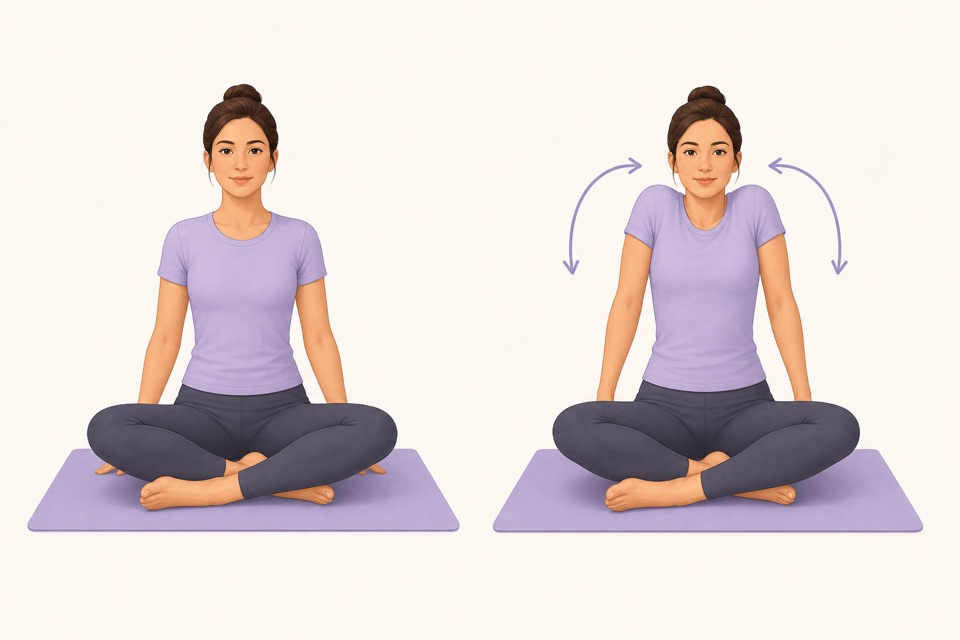
Pair wrist stretches with forearm, hand, shoulder, neck, and upper-back resets. The wrist is often the loud part of the problem, but typing posture includes the keyboard, mouse, shoulders, neck, and upper back.
Useful next guides:
- Use forearm stretches at desk when the tightness travels above the wrist.
- Use hand stretches for office workers when fingers and thumbs feel stiff too.
- Start broader with desk stretches when the whole workday posture feels stuck.
- Try shoulder stretches at desk if wrist tension comes with raised shoulders.
- Use upper back stretches at desk when screen hunching is part of the pattern.
- Open stretching app with timer if remembering and timing the break is the real blocker.
When should I stop wrist stretches?
Stop wrist stretches if the sensation turns sharp, electrical, numb, tingly, weak, swollen, or unusual. Gentle stretching is reasonable for mild everyday stiffness, but persistent or recurring hand, wrist, or forearm symptoms deserve professional guidance, especially after an injury or with a known medical condition.
MedlinePlus describes wrist problems as a broad category that can include injuries, overuse, and medical conditions. In plain English: do not try to stretch your way through symptoms that feel like more than ordinary workday stiffness.
How can a stretching app make wrist stretches easier?
A stretching app helps when the blocker is friction. You may already know the right idea: move gently, take breaks, and stop gripping the mouse so hard. The hard part is choosing the next movement, timing it, and remembering the break before your wrists complain.
Wiggle reduces that effort with short guided routines, visual exercise cues, timers, and gentle reminders. For this use case, the next step is specific: start a 5-minute wrist-and-forearm reset after your next typing block, then return with the mouse closer and your wrists straighter.
Sources
Why we keep it gentle
These guides are written for everyday stiffness and habit-building. They are grounded in mainstream guidance on flexibility, movement, and when to seek medical help.
- Office ergonomics: Your how-to guideMayo Clinic
- Computer Workstations: KeyboardsOSHA
- Wrist Injuries and DisordersMedlinePlus
- Stretching: Focus on flexibilityMayo Clinic
FAQ
Questions people ask
What are the best wrist stretches at desk?
The best wrist stretches at desk are wrist circles, palm-up wrist flexor stretch, palm-down wrist extensor stretch, finger opens, thumb circles, and a gentle forearm shakeout. Use them for mild typing or mouse stiffness, and keep every movement easy rather than forceful.
How long should a wrist stretch break take?
A useful wrist stretch break can take 4 to 5 minutes. That is enough time to move the wrists, stretch the palm-side and top-side forearm muscles, relax the typing grip, and reset your keyboard and mouse position before you start again.
Why do my wrists feel tight after typing?
Wrists often feel tight after typing because keyboard, mouse, trackpad, and phone work repeat small wrist and finger movements for long blocks. Stretching helps most when it is paired with straighter wrists, a closer mouse, relaxed shoulders, and regular movement breaks.
Should I stretch my wrist if it hurts?
Use only gentle movement for mild everyday stiffness. Stop and get qualified guidance if you have sharp pain, numbness, tingling, weakness, swelling, injury-related symptoms, or pain that keeps returning. Do not force wrist stretches through symptoms.
How can Wiggle help with wrist stretches at desk?
Wiggle turns wrist stretches at desk into a short guided routine with visual cues, a timer, and a simple exercise order. That makes it easier to take the break before typing or mouse work makes the wrists feel overloaded.