Wiggle guide
Stretching App for Lower Back Stiffness: Gentle Routines, Clear Stop Signs
What to look for in a stretching app for lower back stiffness, with careful safety language and realistic expectations.
stretching app for lower back
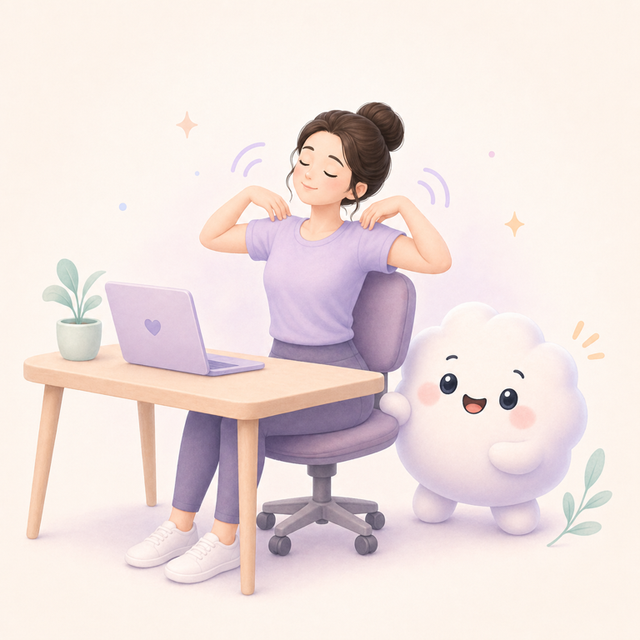
Lower back searches need careful language. Some stiffness is related to long sitting and may respond to gentle movement breaks. Pain that is severe, persistent, radiating, injury-related, or worrying deserves medical guidance.
Wiggle can help with general wellness routines for everyday stiffness. It should not be used as a medical plan or a replacement for professional care.
Quick answer
A stretching app for lower back stiffness should be gentle, clear, and cautious. It should focus on mild everyday stiffness, not claim to diagnose, treat, or fix back pain.
What the app should include
- Gentle, low-pressure routines.
- Clear safety notes and stop signs.
- Options that include hips and hamstrings, not only the lower back.
- Short sessions that encourage position changes.
- No cure claims or fear-based language.
Useful routine ingredients
- A short walk or standing reset.
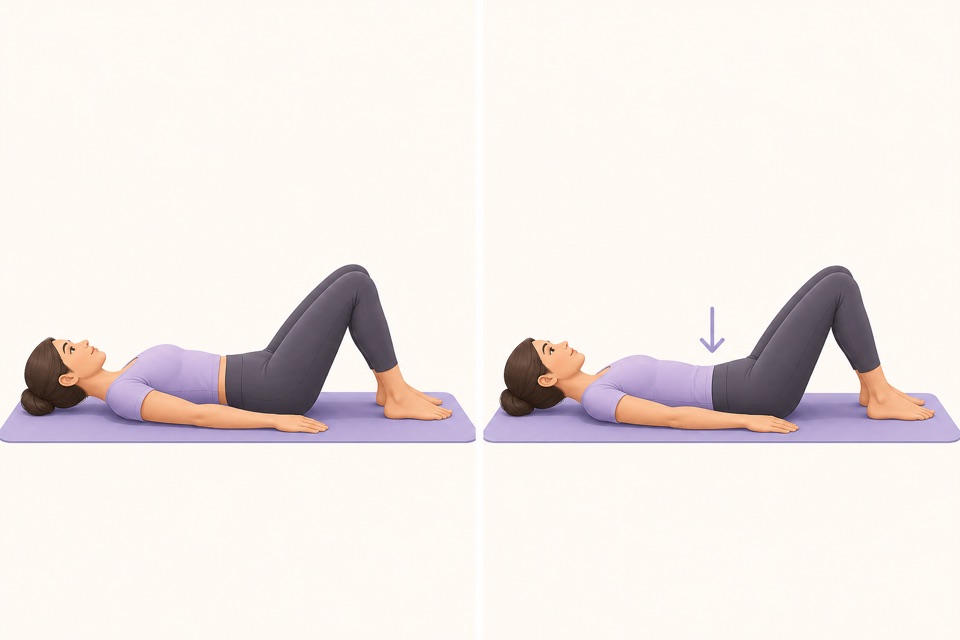
- Pelvic tilts in a comfortable range.
- Hip flexor stretches for sitting-heavy days.
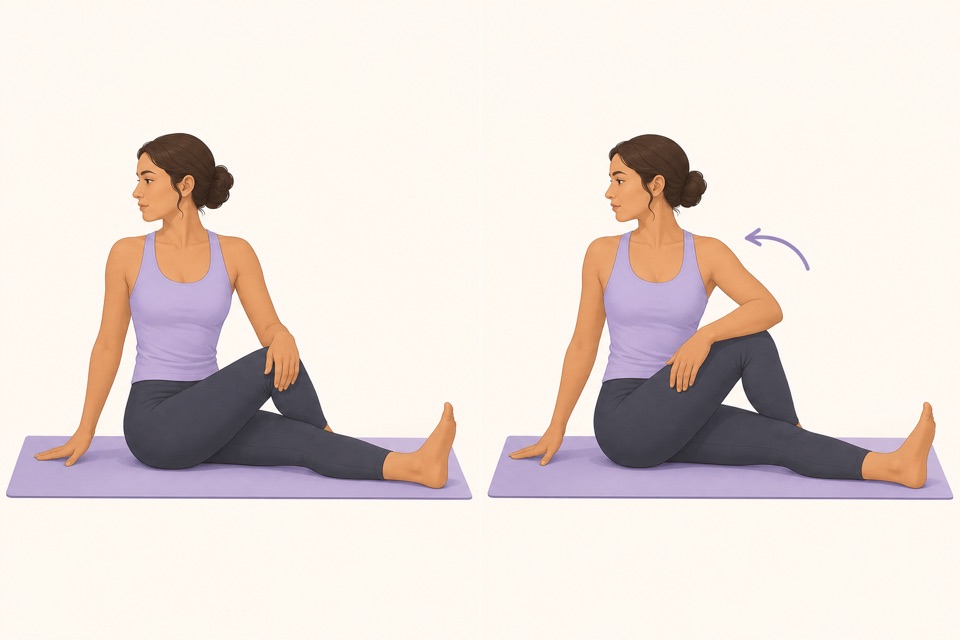
- Seated figure-four or gentle glute work.
- Slow breathing to keep the session calm.
When to skip the app and get help
- Pain is new, severe, or worsening.
- Symptoms travel down the leg.
- You notice numbness, weakness, fever, or other concerning symptoms.
- Pain follows an injury.
- You have a condition where movement advice should be personalized.
From Wiggle
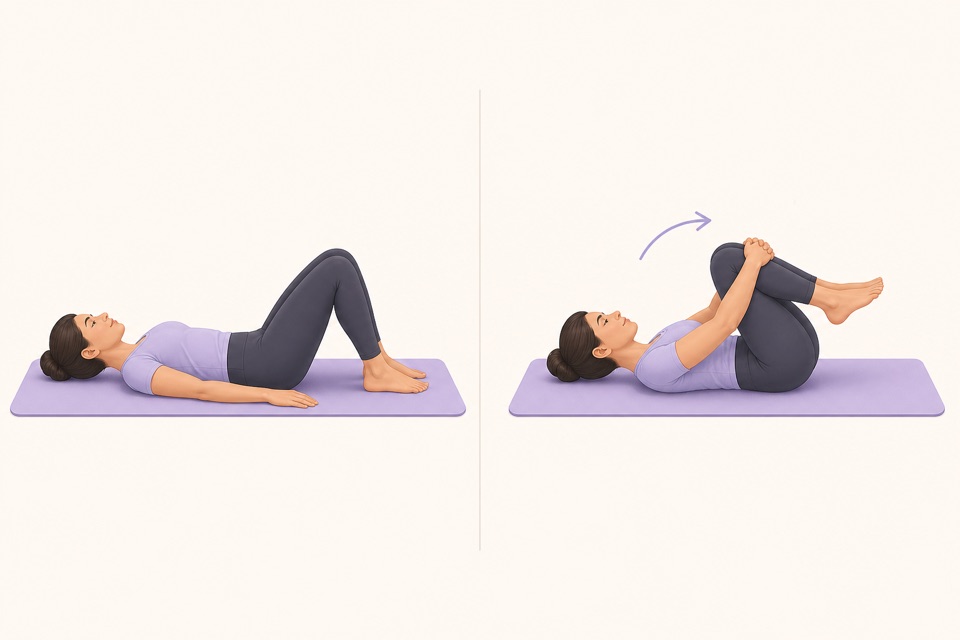
Recommended moves
Turn it into a routine
The right app helps you move gently and notice your body. It should never pressure you to stretch through symptoms that need care.
This is where a guided app helps: the fewer decisions you make, the more likely you are to repeat the session. A visible timer, a clear next movement, and a saved routine remove the tiny bits of friction that usually stop a good intention.
For a concrete starting routine before choosing app features, use easy lower back stretches and save the moves that feel calm.
If your goal has shifted from short-term mobility to building capacity, pair the app with these beginner lower back strengthening exercises.
Sources
Why we keep it gentle
These guides are written for everyday stiffness and habit-building. They are grounded in mainstream guidance on flexibility, movement, and when to seek medical help.
- Stretching: Focus on flexibilityMayo Clinic
- Back painMedlinePlus
- Physical Activity Guidelines for AmericansU.S. Department of Health and Human Services
FAQ
Questions people ask
What should I check before choosing a stretching app?
Look for short routines, clear visual instructions, a visible timer, saved progress, and reminders that feel respectful. A stretching app should remove decisions instead of making you build every session from scratch.
Can beginners start with Wiggle?
Yes. Wiggle is built around short, guided sessions with gentle pacing, simple instructions, and beginner-friendly routines for desk days, tight hips, mornings, and bedtime.
Is Wiggle free to try?
Wiggle offers a 7-day free trial, then paid access. The app shows current subscription pricing clearly before you confirm through the App Store.
Why use an app instead of a saved video?
A saved video can be useful, but an app is better when you want a visible timer, reminders, saved routines, progress history, and a faster way to start the right session for the moment.
Should a stretching app be intense?
No. For everyday habit-building, the app should make gentle consistency easier. A short session that you repeat is more useful than an intense routine that makes you avoid the next one.