Wiggle guide
Guided Stretching App: What to Look For Before You Start
How to choose a guided stretching app that gives you short routines, clear timers, beginner visuals, and less decision fatigue.
guided stretching app
The hard part is rarely knowing that stretching might help. The hard part is opening an app, seeing too many choices, wondering which stretch fits today, and giving up before your body gets the reset.
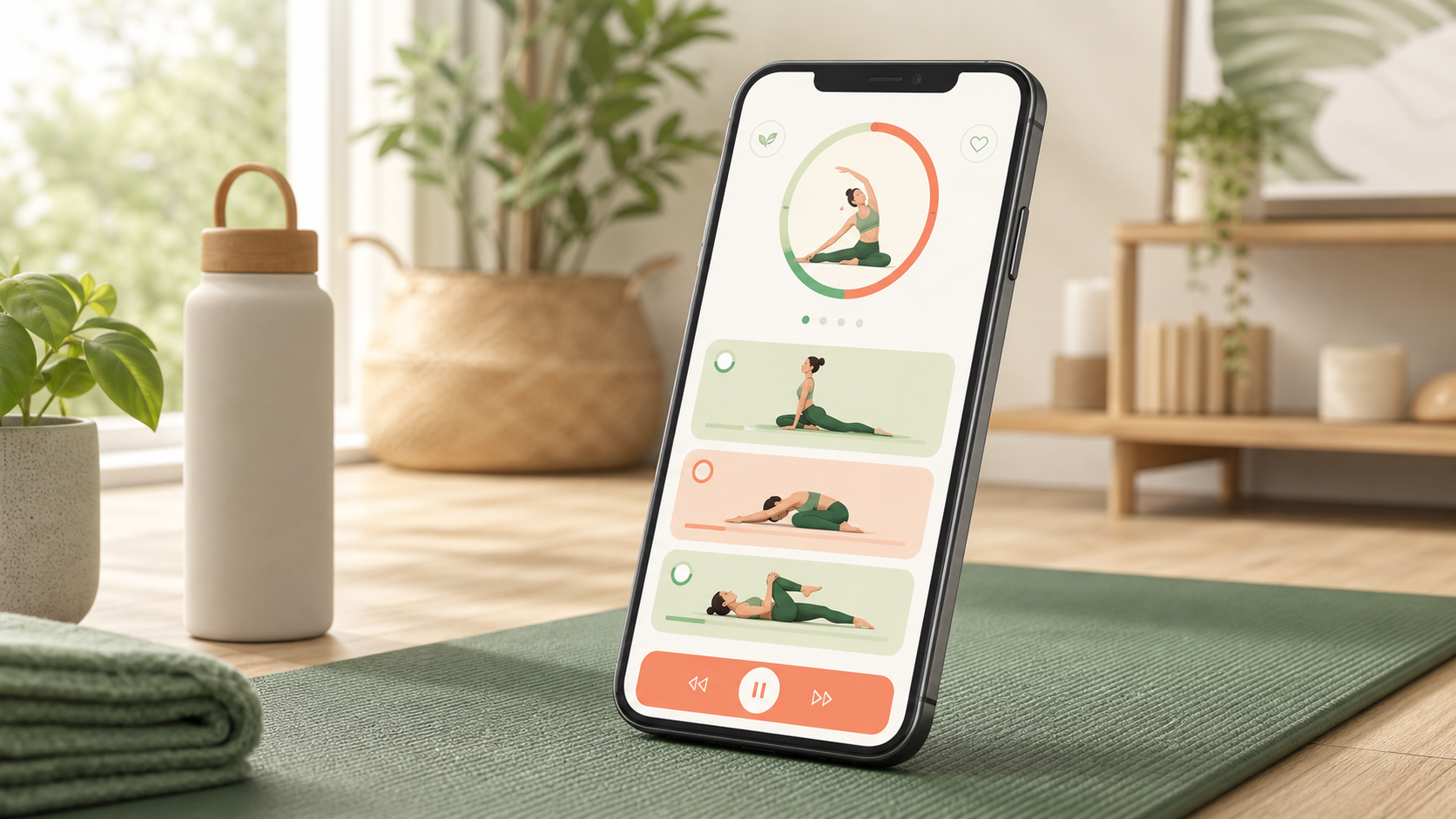
A guided stretching app should make the next five minutes obvious. It should pick the routine, pace the holds, show the next move, and give you a clean finish line. Wiggle is built for that job: short, timed sessions for desk stiffness, tight hips, back tension, mornings, bedtime, and full-body resets.
If you already know the timer is the feature you care about most, compare this with the stretching app with timer guide. If reminders are the missing piece, use the stretching app with reminders checklist next.
What is a guided stretching app?
A guided stretching app is an app that turns stretching into a follow-along session. It chooses the sequence, times each movement, shows clear visuals, and tells you when to switch sides or stop. The goal is to remove planning so you can begin quickly and repeat the routine.
Guided stretching is stretching where the routine, timing, order, and cues are handled for you. That matters when you feel stiff but do not want to build a workout, watch a long video, or guess how long each position should last.
When is a guided app better than a saved video?
A guided app is better when you want less friction: a visible timer, shorter sessions, saved routines, reminders, and categories that match real moments. A saved video can work once, but an app is easier when you want a routine you can repeat without searching again.
Use this quick decision table:
| What you need | Better choice | Why | | --- | --- | --- | | A one-off long class | Saved video | You can follow a full instructor-led session | | A five-minute desk reset | Guided app | Faster start, shorter routine, less browsing | | A repeatable habit | Guided app | Timers, reminders, and saved sessions reduce decision fatigue | | Advanced coaching | Specialist program | You may need progressive instruction | | Mild daily stiffness | Guided stretching app | Simple movement plus gentle holds is usually enough |
Mayo Clinic's stretching guidance emphasizes controlled technique, normal breathing, and avoiding pain. A guided app should support that same calm standard instead of pushing you into a performance mindset.
What features should you check first?
The best guided stretching app is not the one with the biggest exercise library. It is the one you can start on a tired day, finish without confusion, and repeat tomorrow. Look for short routines, clear visuals, visible timing, simple categories, and stop signs that tell you not to force range.
Prioritize these features:
- 5 to 10 minute routines for normal days.
- Beginner visuals that make the position obvious.
- A timer for each stretch and side switch.
- Categories for desk, hips, back, morning, bedtime, and full body.
- Calm reminders that support the habit without nagging.
- Progress that rewards consistency, not intensity.
- Safety language that tells you to stop for pain, numbness, weakness, dizziness, or worrying symptoms.
For a broader app comparison, read best stretching app. For mobility-first sessions that start with more movement before holds, use the mobility app guide.
From Wiggle
Recommended moves
What should your first guided session include?
Your first guided session should be short, full-body, and easy to repeat. Start with light movement, then use gentle holds for common stiff areas: shoulders, spine, hips, hamstrings, and calves. Keep it mild enough that you can breathe normally the whole time.
Try this 7-minute structure:
- 60 seconds easy walk, march, or standing posture reset.
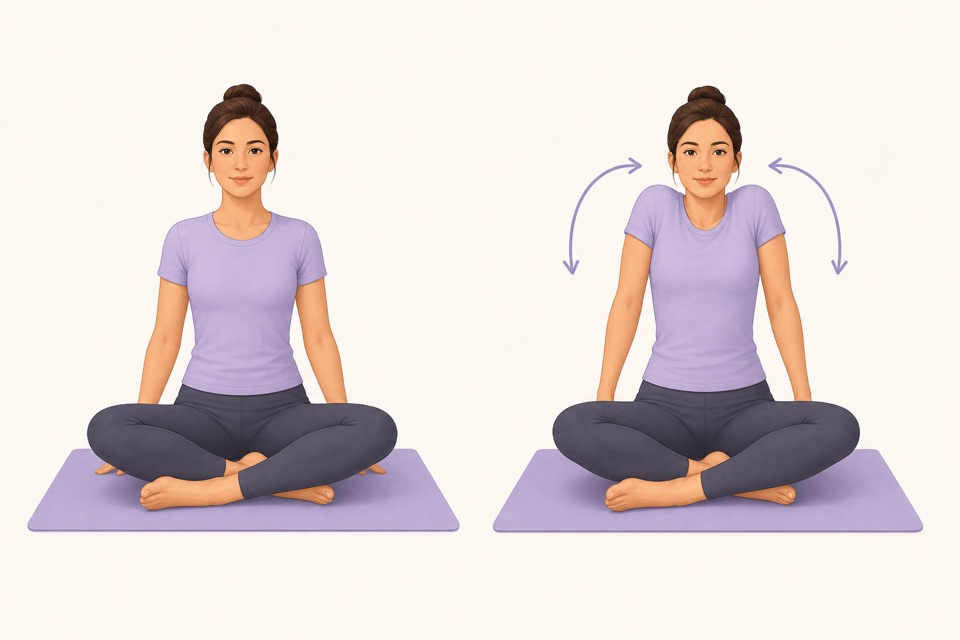
- 45 seconds shoulder circles.
- 45 seconds cat cow or seated cat cow.
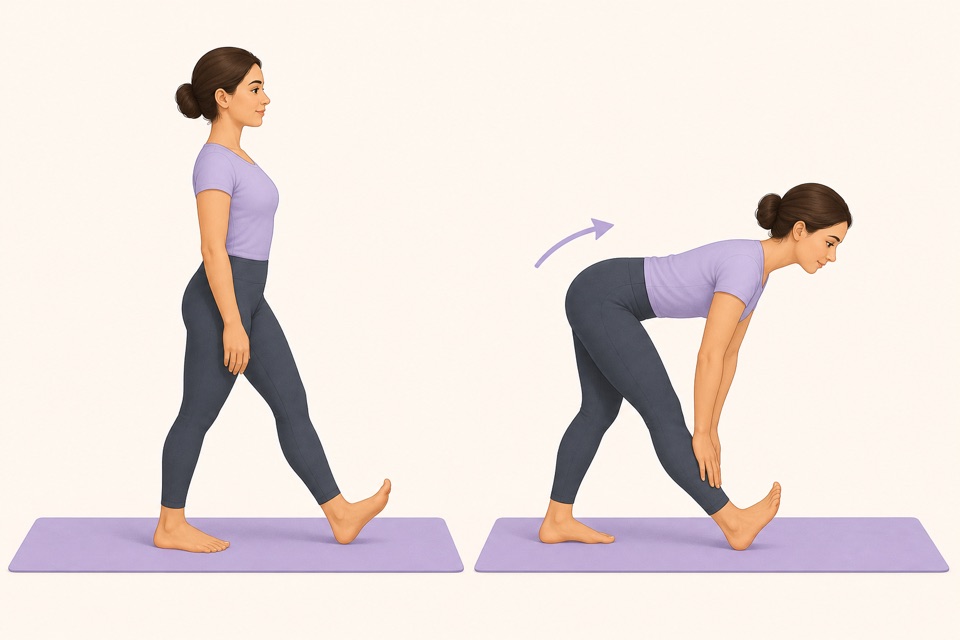
- 45 seconds each side standing hamstring stretch.
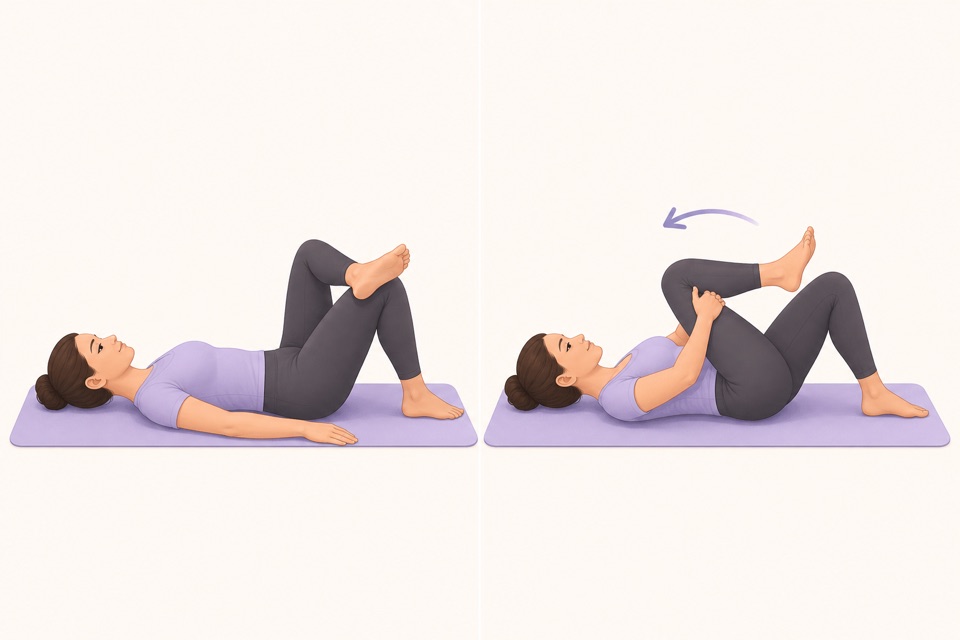
- 45 seconds each side figure-four stretch.
- 45 seconds each side standing calf stretch.
- 60 seconds slow breathing while standing tall.
If your main goal is warming up before activity, the dynamic stretching routine guide is a better match. If your goal is a daily habit, repeat one short guided session for a week before adding new routines.
How does Wiggle reduce decision fatigue?
Wiggle reduces decision fatigue by making the routine feel already chosen. You open the app, pick the situation, follow the timer, and stop when the session ends. That is the difference between "I should stretch sometime" and "I finished a five-minute reset."
The useful question is not "does this app have hundreds of moves?" It is "can I open it when I am busy and finish something good?" For everyday stiffness, that smaller promise is the one that actually compounds.
Sources
Why we keep it gentle
These guides are written for everyday stiffness and habit-building. They are grounded in mainstream guidance on flexibility, movement, and when to seek medical help.
- Stretching: Focus on flexibilityMayo Clinic
- Physical Activity Guidelines for AmericansU.S. Department of Health and Human Services
- Exercise and Physical FitnessMedlinePlus
FAQ
Questions people ask
What is a guided stretching app?
A guided stretching app is an app that chooses the routine, times each stretch, shows the next movement, and helps you finish without building a session from scratch. It is useful when you want less stiffness but do not want to plan a workout.
Is a guided stretching app good for beginners?
Yes, if it uses short routines, clear visuals, comfortable pacing, and simple stop signs. Beginners should avoid apps that start with advanced ranges, aggressive goals, or long sessions before they have built the habit.
How long should a guided stretch session be?
Start with 5 to 10 minutes. That is long enough to move the neck, shoulders, spine, hips, and legs, but short enough to repeat on normal days.
Do I need a timer in a stretching app?
A timer helps because it removes counting, keeps each hold contained, and makes the routine feel guided. It is especially useful for beginners who otherwise rush, hold too long, or keep checking the clock.
How does Wiggle work as a guided stretching app?
Wiggle gives you short timed routines, beginner-friendly exercise visuals, calm reminders, and categories for desk stiffness, tight hips, back tension, mornings, bedtime, and full-body resets.