Wiggle guide
Best Mobility App for Stretching, Desk Stiffness, and Gentle Movement
A plain-English guide to choosing a mobility app when you mostly want guided stretching and easier daily movement.
best mobility app
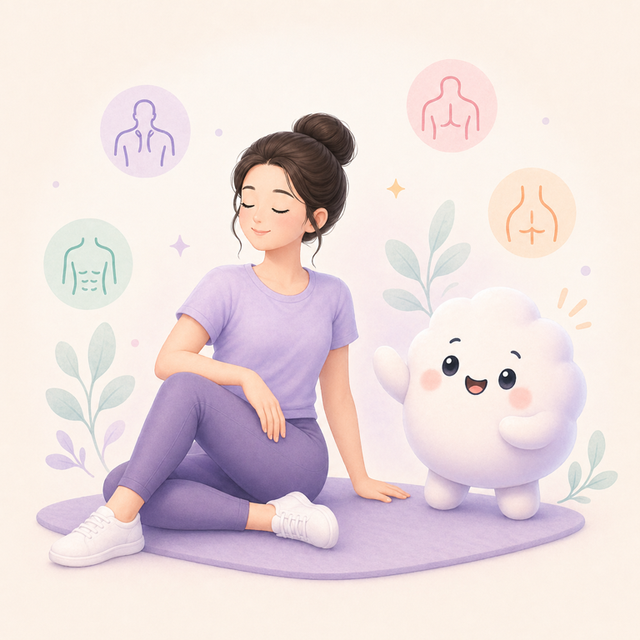
Mobility can mean different things: sports prep, joint control, physical therapy, yoga-style movement, or simple daily stiffness relief. If your real goal is to move better during the day, the app should stay practical.
Wiggle is best framed as a stretching-first mobility companion for everyday stiffness, not a replacement for coaching, rehab, or sport-specific programming.
Quick answer
If you want a mobility app mainly for stretching, choose one that combines gentle range-of-motion work, short stretch routines, clear timers, and use-case categories like desk reset, tight hips, and full-body movement.
If you want the simpler app-selection checklist before comparing options, start with the mobility app guide first.
Search intent check
- If you want athletic mobility drills, look for advanced progressions and coaching.
- If you want everyday stiffness relief, look for short guided routines.
- If you sit a lot, prioritize hips, shoulders, back, and wrists.
- If you are new, avoid routines that assume deep ranges.
- If you want habit change, reminders and saved routines matter.
Useful mobility app features
- A mix of dynamic movement and static stretching.
- Clear labels for beginner routines.
- Timers that make each hold feel contained.
- Exercise visuals you can understand quickly.
- A simple way to repeat the same routine later.
How Wiggle approaches mobility
- Start with mild movement, then add gentle holds.
- Use short sessions that fit into workday gaps.
- Keep the routine visible and timed.
- Make the app useful even when you only have five minutes.
- Nudge consistency without making the user feel monitored.
From Wiggle
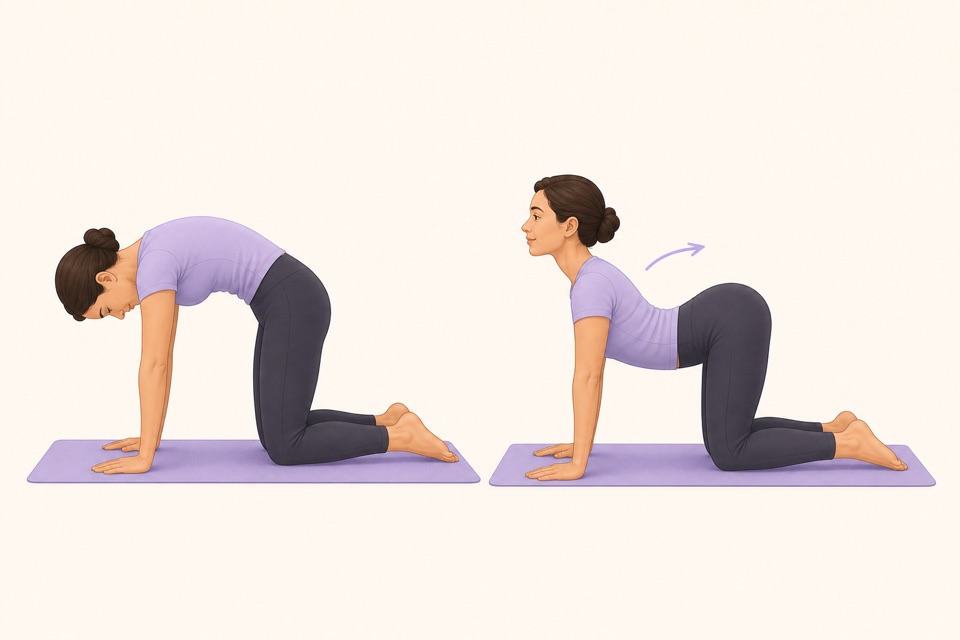
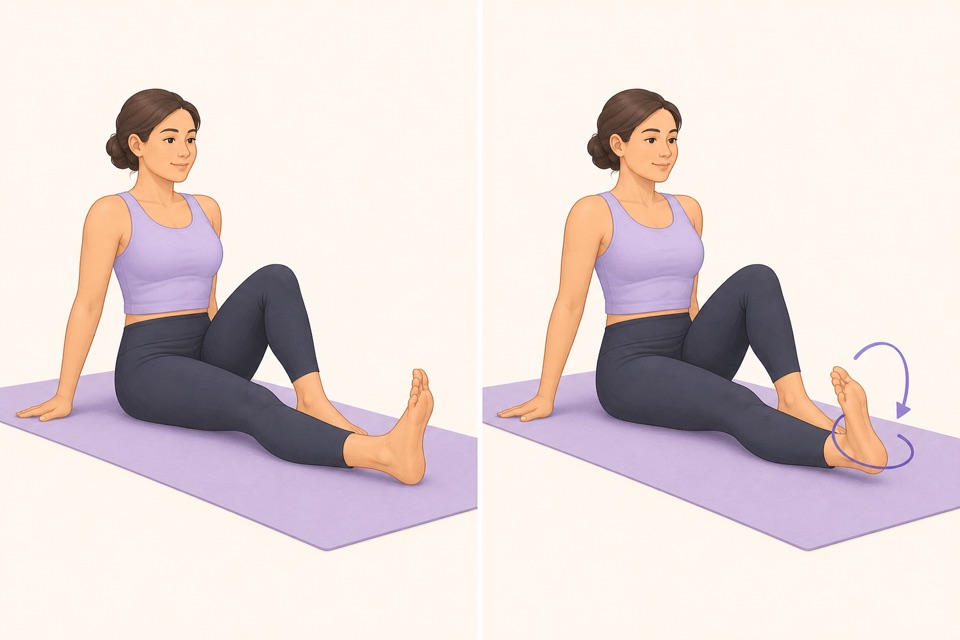
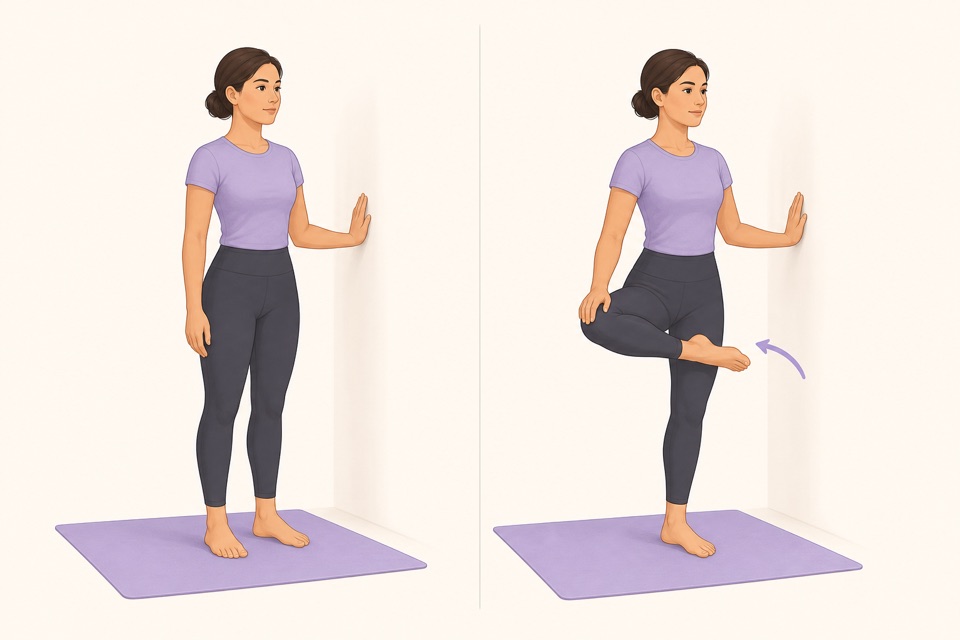
Recommended moves
Turn it into a routine
For most people, mobility starts with changing position more often. A good app makes that change easy to begin.
This is where a guided app helps: the fewer decisions you make, the more likely you are to repeat the session. A visible timer, a clear next movement, and a saved routine remove the tiny bits of friction that usually stop a good intention.
Sources
Why we keep it gentle
These guides are written for everyday stiffness and habit-building. They are grounded in mainstream guidance on flexibility, movement, and when to seek medical help.
- Stretching: Focus on flexibilityMayo Clinic
- Physical Activity Guidelines for AmericansU.S. Department of Health and Human Services
- Back painMedlinePlus
FAQ
Questions people ask
What should I check before choosing a stretching app?
Look for short routines, clear visual instructions, a visible timer, saved progress, and reminders that feel respectful. A stretching app should remove decisions instead of making you build every session from scratch.
Can beginners start with Wiggle?
Yes. Wiggle is built around short, guided sessions with gentle pacing, simple instructions, and beginner-friendly routines for desk days, tight hips, mornings, and bedtime.
Is Wiggle free to try?
Wiggle offers a 7-day free trial, then paid access. The app shows current subscription pricing clearly before you confirm through the App Store.
Why use an app instead of a saved video?
A saved video can be useful, but an app is better when you want a visible timer, reminders, saved routines, progress history, and a faster way to start the right session for the moment.
Should a stretching app be intense?
No. For everyday habit-building, the app should make gentle consistency easier. A short session that you repeat is more useful than an intense routine that makes you avoid the next one.