Wiggle guide
App for Stretching Exercises: What Actually Helps You Stay Consistent
How to choose an app for stretching exercises when you want short routines, clear timers, and less friction.
app for stretching exercises
If you are searching for an app for stretching exercises, you probably do not need another giant fitness library. You need something that answers three questions quickly: what should I do, how long should I hold it, and how do I make this a habit?
Wiggle is built around that kind of friction reduction. The app keeps sessions short, timed, visual, and organized around real moments like desk stiffness, tight hips, mornings, and bedtime.
Quick answer
The best app for stretching exercises is one that removes setup: it chooses a short routine, shows each movement, keeps time for you, and makes it easy to repeat tomorrow. For most people, consistency matters more than having hundreds of stretches.
What the app should solve
- Decision fatigue: you should not have to build a routine from scratch every time.
- Timing: each stretch needs a clear start, hold, and finish.
- Context: desk stretches, hip stretches, bedtime stretches, and full-body routines should be easy to find.
- Repeatability: the app should make tomorrow easier, not just today impressive.
- Safety language: beginner routines should favor mild tension, normal breathing, and clear stop signs.
What to avoid
- Apps that bury beginner routines behind too many filters.
- Random exercise lists without a timer or sequence.
- Routines that push intensity before consistency.
- Noisy reminders that make stretching feel like guilt.
- Medical-sounding claims that promise to fix pain.
Where Wiggle fits
- Use Wiggle when you want a guided stretch break that starts fast.
- Pick a routine by situation instead of body-part confusion.
- Let the visible timer handle the session pace.
- Save routines you actually repeat.
- Use reminders as a calm cue, not a spammy notification system.
If you are making the choice from an iPhone, use the stretching app for iPhone checklist before the trial ends so the app earns its spot on your home screen.
If your routine mostly happens in the living room, bedroom, or a small work-from-home corner, use the stretching app for home checklist to make sure the app works without equipment, long setup, or a gym mindset.
From Wiggle
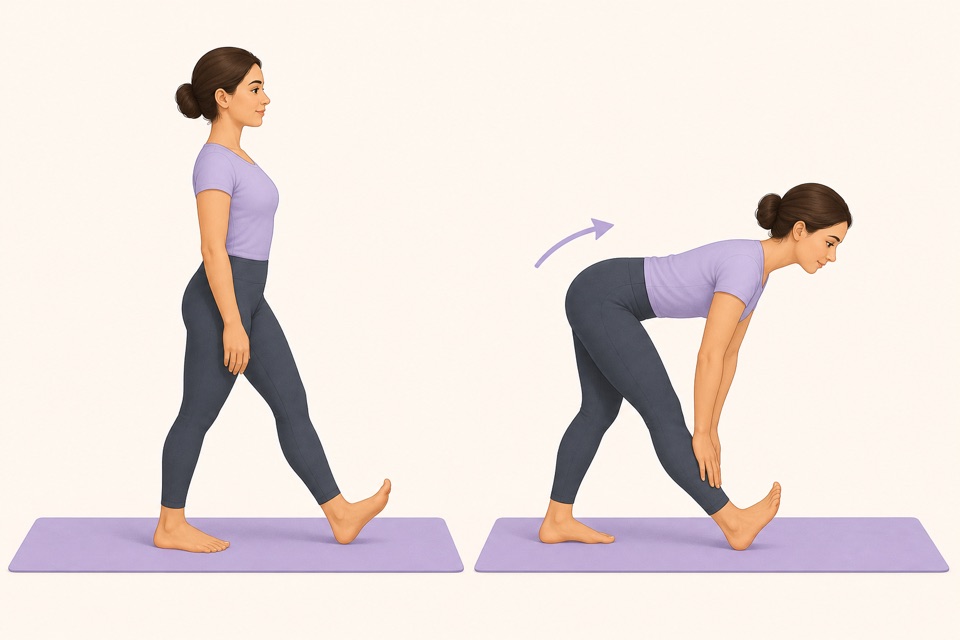
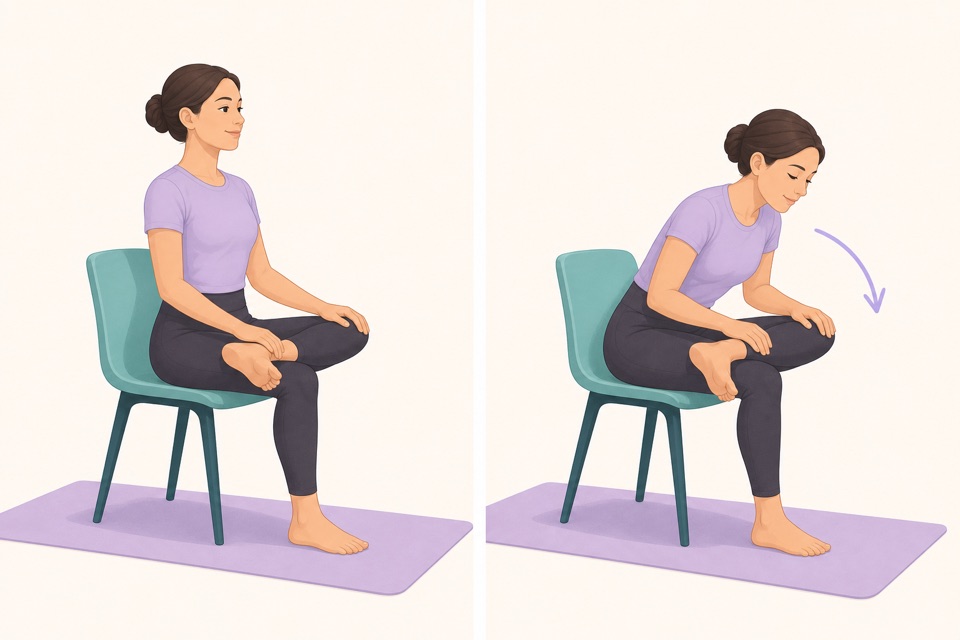
Recommended moves
Turn it into a routine
A stretching app earns its place when it lowers the activation energy. If you can open it, tap once, and move for five minutes, it has a real chance of becoming part of your day.
This is where a guided app helps: the fewer decisions you make, the more likely you are to repeat the session. A visible timer, a clear next movement, and a saved routine remove the tiny bits of friction that usually stop a good intention.
Sources
Why we keep it gentle
These guides are written for everyday stiffness and habit-building. They are grounded in mainstream guidance on flexibility, movement, and when to seek medical help.
- Stretching: Focus on flexibilityMayo Clinic
- Physical Activity Guidelines for AmericansU.S. Department of Health and Human Services
FAQ
Questions people ask
What should I check before choosing a stretching app?
Look for short routines, clear visual instructions, a visible timer, saved progress, and reminders that feel respectful. A stretching app should remove decisions instead of making you build every session from scratch.
Can beginners start with Wiggle?
Yes. Wiggle is built around short, guided sessions with gentle pacing, simple instructions, and beginner-friendly routines for desk days, tight hips, mornings, and bedtime.
Is Wiggle free to try?
Wiggle offers a 7-day free trial, then paid access. The app shows current subscription pricing clearly before you confirm through the App Store.
Why use an app instead of a saved video?
A saved video can be useful, but an app is better when you want a visible timer, reminders, saved routines, progress history, and a faster way to start the right session for the moment.
Should a stretching app be intense?
No. For everyday habit-building, the app should make gentle consistency easier. A short session that you repeat is more useful than an intense routine that makes you avoid the next one.