Wiggle guide
Stretching Reminder App: Gentle Nudges Without Notification Spam
How a stretching reminder app should help you move once or twice a day without becoming annoying.
stretching reminder app

The problem with reminders is not that people dislike being helped. The problem is that most reminders become noise. Stretching works better when the nudge is rare, timely, and immediately actionable.
Wiggle is designed around respectful reminders: the app should help you remember your plan without spamming you through the day.
Quick answer
A good stretching reminder app should send calm, limited nudges tied to useful moments, then take you directly into a short routine. The reminder should reduce friction, not add pressure.
What a good reminder does
- Arrives at a time you already chose.
- Suggests one realistic next action.
- Starts a short routine quickly.
- Stays easy to disable or adjust.
- Avoids guilt language and streak panic.
Good reminder moments
- After the morning routine starts.
- Midday after long sitting.
- Before the end of the workday.
- After dinner for a calmer evening.
- Before bed if stretching is part of your wind-down.
What to avoid
- Multiple vague notifications per day.
- Messages that say you failed.
- Reminders with no direct path into a routine.
- Notifications that ignore weekends or work schedules.
- A system that prioritizes engagement over usefulness.
From Wiggle
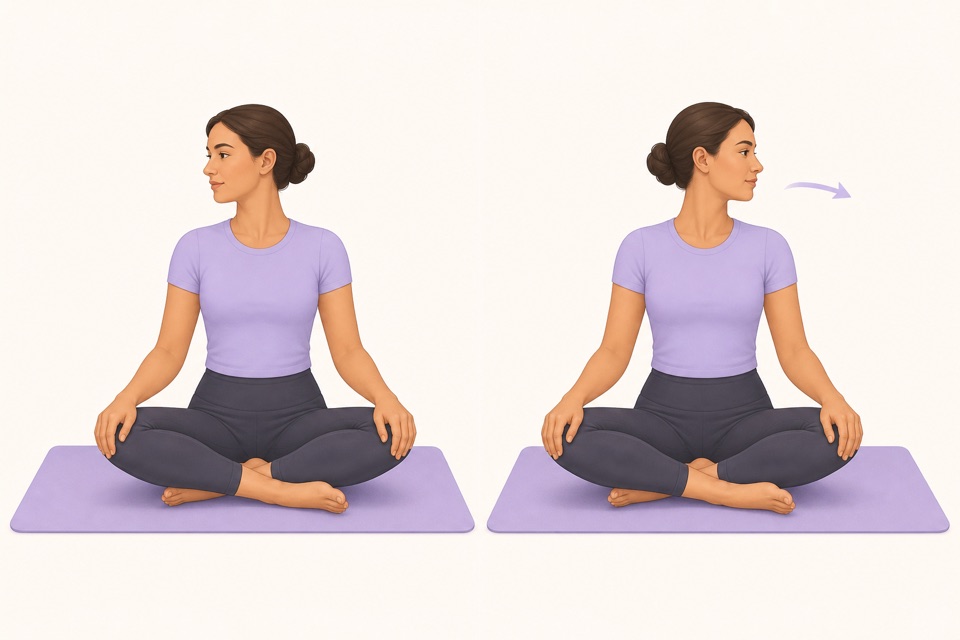
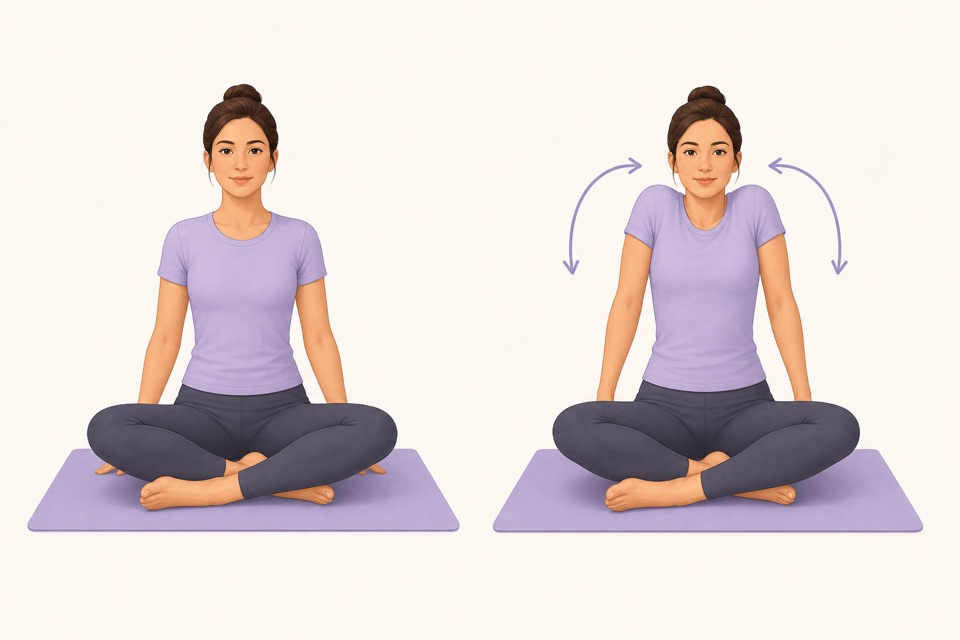
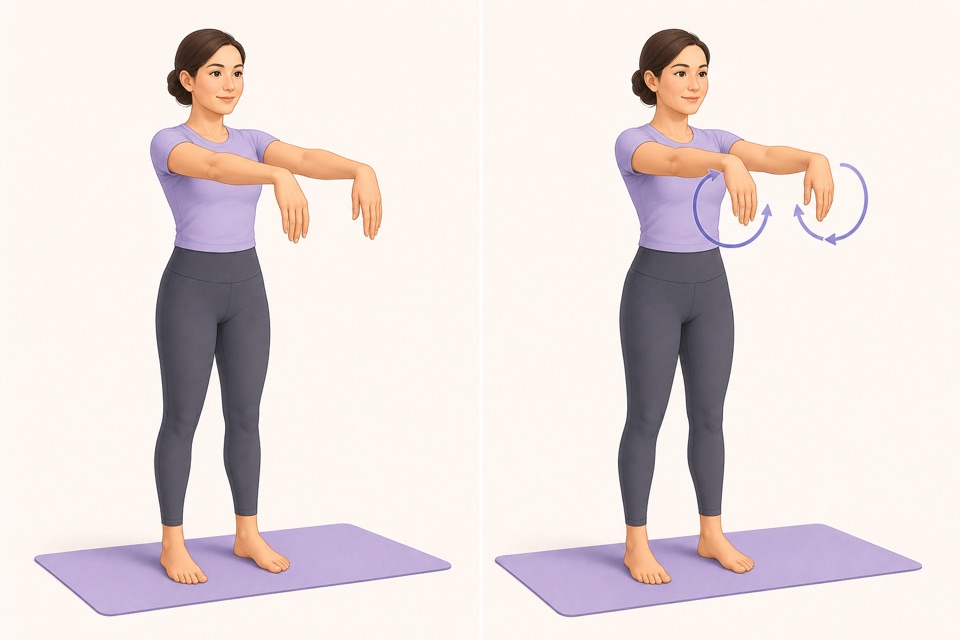
Recommended moves
Turn it into a routine
A reminder is successful when it disappears into the habit. One helpful nudge at the right time beats five notifications you learn to ignore.
This is where a guided app helps: the fewer decisions you make, the more likely you are to repeat the session. A visible timer, a clear next movement, and a saved routine remove the tiny bits of friction that usually stop a good intention.
Sources
Why we keep it gentle
These guides are written for everyday stiffness and habit-building. They are grounded in mainstream guidance on flexibility, movement, and when to seek medical help.
- Stretching: Focus on flexibilityMayo Clinic
- Physical Activity Guidelines for AmericansU.S. Department of Health and Human Services
FAQ
Questions people ask
What should I check before choosing a stretching app?
Look for short routines, clear visual instructions, a visible timer, saved progress, and reminders that feel respectful. A stretching app should remove decisions instead of making you build every session from scratch.
Can beginners start with Wiggle?
Yes. Wiggle is built around short, guided sessions with gentle pacing, simple instructions, and beginner-friendly routines for desk days, tight hips, mornings, and bedtime.
Is Wiggle free to try?
Wiggle offers a 7-day free trial, then paid access. The app shows current subscription pricing clearly before you confirm through the App Store.
Why use an app instead of a saved video?
A saved video can be useful, but an app is better when you want a visible timer, reminders, saved routines, progress history, and a faster way to start the right session for the moment.
Should a stretching app be intense?
No. For everyday habit-building, the app should make gentle consistency easier. A short session that you repeat is more useful than an intense routine that makes you avoid the next one.